Walking Time Calculator
Estimate how long a walk will take from distance, speed, terrain, grade, body size, carried load, stops, and fitness profile, with time, pace, calories, steps, and arrival details.
📌Walking Presets
Presets fill realistic walking scenarios, from a short commute to a loaded trail walk. Adjust any input to match your route and walking style.
⚙Walking Inputs
Walking time estimate
Enter route and body details to estimate moving time, total time, pace, calories, and steps.
📊Route Metrics
📘Reference Tables
| Band | Metric speed | Imperial speed | Typical use |
|---|---|---|---|
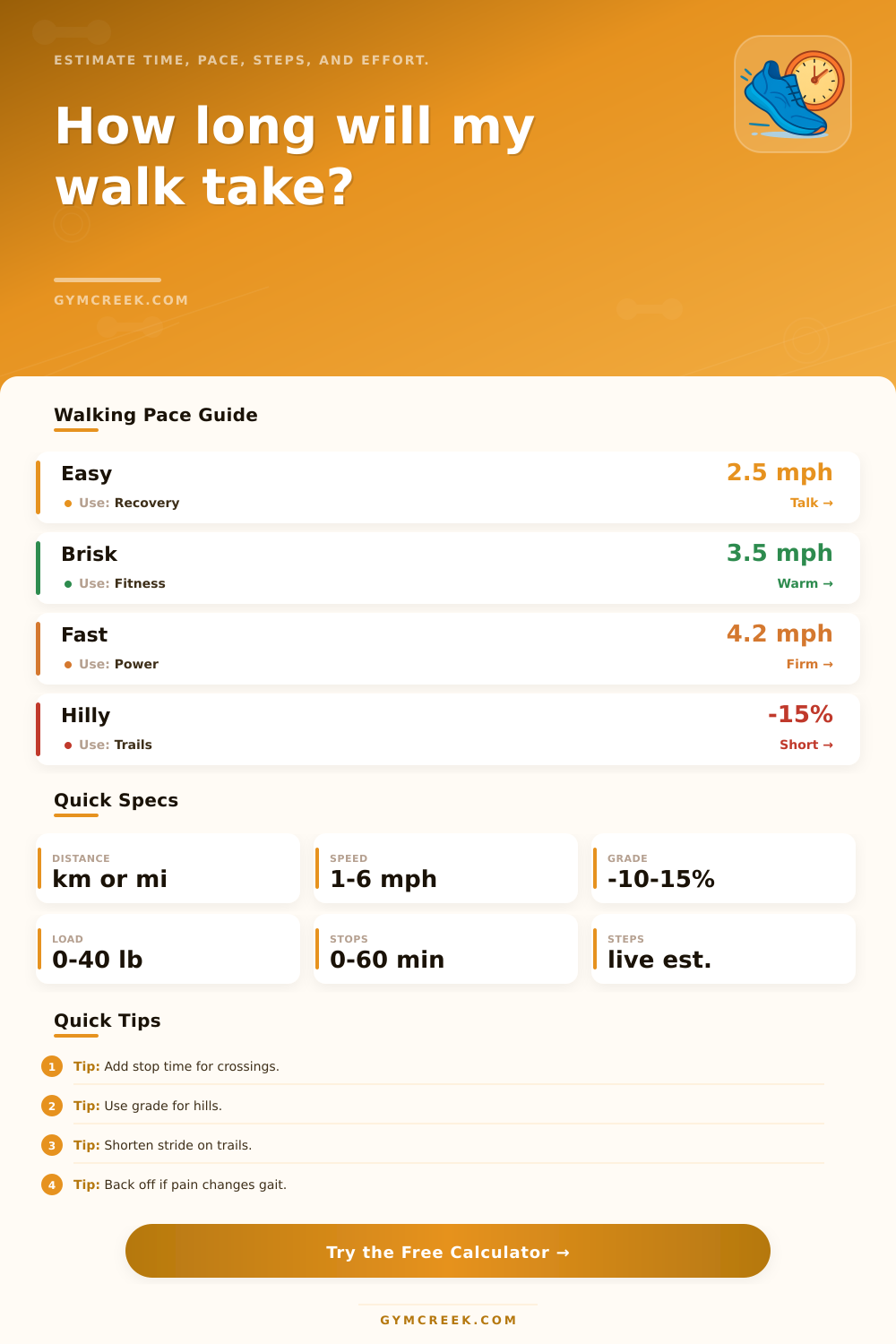
| Easy | 3.2-4.2 km/h | 2.0-2.6 mph | Recovery, short errands, casual walking. |
| Moderate | 4.3-5.2 km/h | 2.7-3.2 mph | Daily activity and comfortable commute pace. |
| Brisk | 5.3-6.4 km/h | 3.3-4.0 mph | Fitness walking with clear but controlled effort. |
| Fast | 6.5-7.5 km/h | 4.0-4.7 mph | Power walking, events, and higher step cadence. |
| Factor | Time effect | Energy effect | Best input use |
|---|---|---|---|
| Paved or track | 0-3% faster | Baseline | Smooth, predictable routes. |
| Urban crossings | 5-10% slower | Slightly higher | Add stop minutes for signals. |
| Trail or grass | 8-18% slower | Higher | Uneven footing and softer ground. |
| Uphill grade | About 2-3% slower per 1% grade | Noticeably higher | Use average route grade if known. |
| Scenario | Distance | Speed | Planning note |
|---|---|---|---|
| Commuting | 1-4 km | 4.5-5.5 km/h | Stops often decide the arrival window. |
| Fitness loop | 3-8 km | 5.2-6.5 km/h | Use moving speed and add warmup stops. |
| Event walk | 5-21 km | 4.8-6.2 km/h | Include aid stations and crowd flow. |
| Light hike | 4-15 km | 3.0-4.8 km/h | Grade, terrain, and load matter most. |
| Formula | Inputs | Output | Used for |
|---|---|---|---|
| Time | Distance / adjusted speed | Moving minutes | Base walking duration. |
| ACSM walk | Speed and grade | Oxygen cost | MET and calorie estimate. |
| Stride proxy | Height and speed | Step length | Estimated step count. |
| Load modifier | Load and body weight | Time and energy factor | Backpacks, bags, and vests. |
💡Walking Notes
Walking time is combination of math and real life. It’s the distance on a map times speed you think you’ll move, except it rarely works out like that because tiny things makes an impact in how long it really takes. It’s those little things that can trip you up. You might be halfway up a hill with pack on, waiting for a crosswalk light to change that you didn’t realize would take so long.
Speed and distance is the foundation, yet it’s seldom the complete picture. Every surface alter the effort needed for every footfall: Loose gravel or grass slows you; a paved path keeps pace steady. Likewise with grade. Your body works harder against gravity even on a mild incline, which make it take longer. Add weight to equation, and the impact compounds.
How to Calculate Walking Time Accurately
The calculator kicks into gear as soon as you enter those variables. You don’t have to fumble with conversion factors or coefficients. Another thing most folks don’t account for is stops. Waiting in line for your friends, taking a quick picture of something, sitting through a couple minutes at a red light doesn’t seem significant… but sum it all together and its a lot.
You can put that stop time in as its own entry with the tool. It prevents that “slow down” of average speed from soaking up every pause, keeping actual moving time more representative of reality. And that’s important if you want to know if you’ll be able to hit a train or make meeting.
But then there are other factors: fitness level and reason for the hike. If you’ve been hiking regularly, your speed won’t drop as much if you have to carry a bit more weight or go up a small incline than it would if you haven’t hiked in ages. This means that two people might estimate different amount of time for same trail simply because one has just started while the other is well conditioned. There’s a difference between taking power walk and a recovery walk on the same mileage. Cadence and exertion won’t be equal, so even without considering stops, estimated arrival time will vary.
In reality, no route ever matches textbook condition. A supposedly flat neighborhood loop on the map may contain steep-but-short sections across driveways. An easy-going trail outbound can slow down inbound when your legs feels tired. For those real world variables, the page’s reference tables shows the range within which the calculator adjusts. It’ll give you a feel for how much those real world variables will shift the final outcome.
Run it several times. The single best thing is to run the same route two or three different ways. Add 10 more minutes with stops, change terrain setting, throw in a little extra weight, see how total time reacts. After a few tries, you begin to understand what inputs realy impact your schedule and which don’t matter much at all. That’s what builds up that pattern recognition necessary for a one-off estimate to become an accurat planning tool.
You should of used this sooner. It’s that simple: no more showing up an hour before your friends just in case, and no more realizing you left so much time for the hill that you’ll be late. You get to have that sweet spot in middle that used to bother you. You can do this thanks to the calculator.