Steps Calculator
Estimate walking or running distance, calories burned, active time, goal progress, and weekly trend from step count, stride length, height, pace, body weight, terrain, goal distance, and weekly average.
👟Walking and Running Presets
Presets fill realistic walking and running sessions. Edit any value to match your watch, phone pedometer, treadmill, or measured stride.
⚙Calculator Inputs
Step session estimate
Enter your step count, stride, pace, body weight, terrain, goal, and weekly average to estimate your session.
📊Metrics Grid
📑Reference Tables
| Measure | Formula | Typical use | Output |
|---|---|---|---|
| Distance | steps x stride | Walk or run log | Feet, miles, km |
| Steps per mile | 5,280 / stride ft | Stride accuracy | Lower with long stride |
| Active time | distance x pace | Moving time | Minutes |
| Goal progress | distance / goal | Daily target | Percent |
| Activity | Stride estimate | Height model | Best input |
|---|---|---|---|
| Easy walk | 2.1 to 2.5 ft | 0.38 x height | Measured path |
| Brisk walk | 2.4 to 2.8 ft | 0.42 x height | Watch average |
| Easy jog | 3.0 to 3.8 ft | 0.58 x height | Route distance |
| Run | 3.6 to 5.0 ft | 0.68 x height | Track lap test |
| Session | Pace range | Base MET | Feel |
|---|---|---|---|
| Casual walk | 20+ min/mi | 2.8 | Easy |
| Brisk walk | 14 to 18 min/mi | 4.3 | Moderate |
| Easy jog | 10 to 13 min/mi | 7.8 | Steady |
| Run | Under 10 min/mi | 9.8+ | Hard |
| Terrain | Calorie factor | Common cue | Use when |
|---|---|---|---|
| Flat road | 1.00x | Baseline | Track, road, mall |
| Treadmill | 0.97x | Consistent belt | No incline |
| Rolling hills | 1.10x | Higher demand | Outdoor routes |
| Trail or stairs | 1.15 to 1.28x | Unsteady or steep | Hikes, climbs |
💡Tips
A steps calculator can take your step count and convert it to other metric for you. A steps calculator allows you to see your distance, your time, and your effort in relation to your step count. While many people use their step counts as a score for the number of steps they took in a day, a steps calculator can help to convert those steps to information that is usable for planning.
A steps calculator allows people to reach their goal distance, to judge their effort in relation to a specific time frame, or to compare their performance in one week to that of another week. The information that you put into the steps calculator will have a specific effect on the output of the steps calculator. One of the main pieces of information that a steps calculator asks for is your stride length.
How a Steps Calculator Helps You Track Steps, Distance and Calories
Your stride length is important in relation to the distance that you can cover in a certain number of steps. Two individuals may take the same amount of step as each other, but one individual may have a longer stride length than the other individual. Consequently, the individual with the longer stride will cover more ground than the individual with the shorter stride length.
In this way, you can enter your stride length into the steps calculator, which is more accurate than using your height to calculate your stride length. Terrain is another factor that you can enter into the steps calculator. The terrain that you walk on will impact the number of calories that you burn during your session using the steps calculator.
If the terrain is flat, you will burn fewer calories than if you walked on hill or trails. You can enter this terrain adjustment into the steps calculator to provide an estimate to the number of calories that your body burned during your session. In addition to terrain, other variable that you can enter into the steps calculator include your pace and your body weight.
Your pace impacts your stride length in that it determines the time it took for you to cover the distance that you walked. Your body weight is important in that your body will expend more energy if it must move a greater amount of mass. Both of these variables are not major factors in themselves, but they are important variables in relation to each other when comparing your steps calculator results from one week to another.
The steps calculator will display both of these variables to allow you to compare your stride length, distance covered, and calories burned in relation to these variables. The steps calculator will ask for your average number of steps taken each week. Your average number of steps is important in that it helps you to understand your movement for the week.
For example, if your current session is higher than your average weekly steps, you either added more movement or walked more distance than your average distance during the week. If your steps for the current session are lower than your average for the steps that you take each week, you can investigate if your pace has changed or the terrain that you walked on has changed. The steps calculator will display the percentage difference between your current session and your average for the week to make this comparison clear to you.
Finally, you can enter the distance that you want to reach as a goal into the steps calculator in the same manner as your average number of steps for the week. Similar to the average number of steps, the goal distance will provide you with a comparison between your current session and your goal distance. The tables that are displayed on the steps calculator allow you to review the various factors that you enter into the calculator.
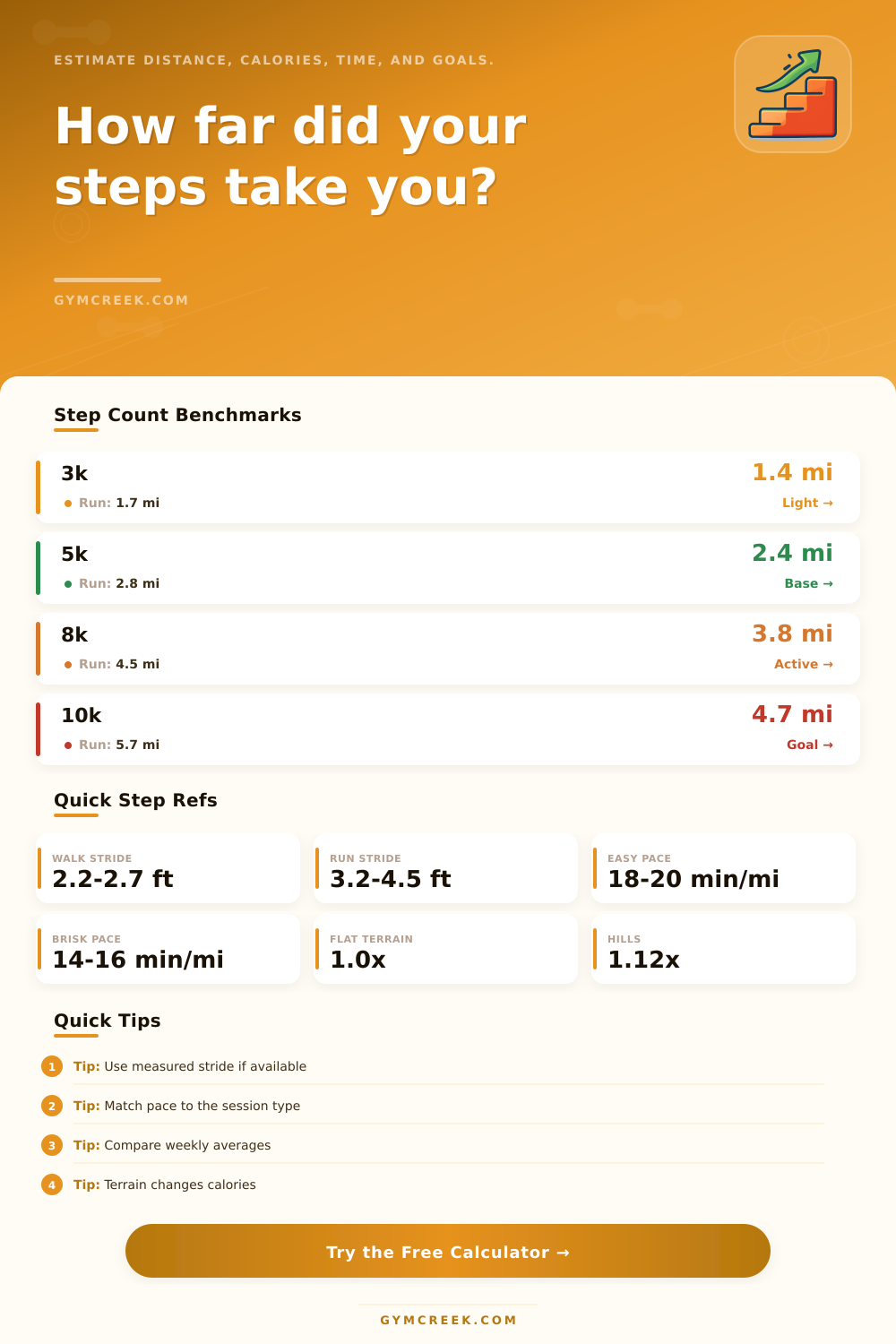
The tables allow you to review stride length, pace, and terrain for various examples. While you dont need to memorize the information in these tables, they can help you to review if your stride length or your pace corresponds with the session that you completed. There are various external variables that will impact your stride and your session with the steps calculator, but these variables will not be visible to you within the steps calculator.
External variables include weather, sleep, stress, and the amount of food that you consumed during the day. Your stride length measured last month may not be the same as your stride length today due to the difference in the type of activity that you performed each day. These variables will impact how you feel after performing your session, but the steps calculator is a tool that you can use to track your steps.
Consequently, the steps calculator will allow you to monitor your steps, but it is up to you to decide if the estimate that the calculator provides for your steps reflects how the session that you performed actualy felt to you. Consistency in the factors that you use for your steps calculator will allow you to obtain the most accurate measurements from the steps calculator. For instance, your phone or your watch should remain in the same position on your body, you should use your same stride length for each step count, and you should only compare days of similar type of movement.
For instance, it would not be appropriate for you to compare your steps during a casual walk to your steps during a tempo run. By ensuring consistency in your measurements, your steps calculator will allow you to track the changes in your movement pattern over several weeks. This record of your movement will allow you to use the steps calculator as a helpful tool during that period.