Walking Distance Calculator
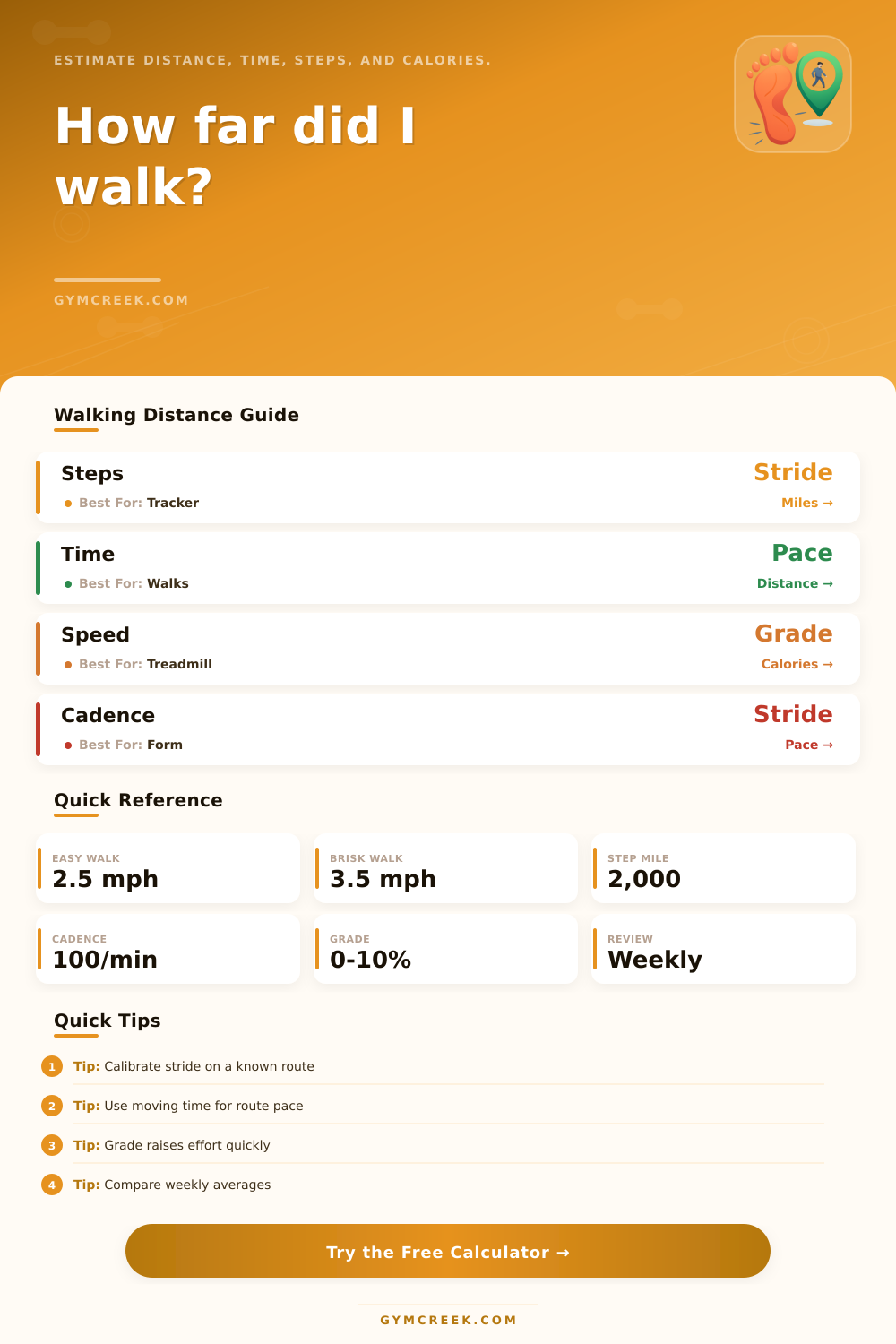
Estimate walking distance from steps, stride, time, speed, or cadence, then compare pace, calories, grade effort, and weekly walking volume.
📌Presets
Each preset loads a realistic walking profile and recalculates distance, pace, step count, calories, and weekly volume.
⚙Calculator
Walking distance estimate
Enter steps, pace, time, or route data to estimate your walking distance.
📊Walking Metrics
📑Reference Tables
| Walking type | Speed | Pace | Typical use |
|---|---|---|---|
| Easy stroll | 2.0-2.5 mph | 24-30 min/mi | Recovery or casual walking |
| Comfortable walk | 2.6-3.1 mph | 19-23 min/mi | General health walks |
| Brisk walk | 3.2-4.0 mph | 15-19 min/mi | Fitness and step goals |
| Power walk | 4.1-4.7 mph | 13-15 min/mi | Conditioning sessions |
| Stride length | Steps per mile | 5,000 steps | 10,000 steps |
|---|---|---|---|
| 24 in | 2,640 | 1.9 mi | 3.8 mi |
| 27 in | 2,347 | 2.1 mi | 4.3 mi |
| 30 in | 2,112 | 2.4 mi | 4.7 mi |
| 33 in | 1,920 | 2.6 mi | 5.2 mi |
| Condition | Approx MET | Effort cue | Calculation note |
|---|---|---|---|
| 2.0 mph, level | 2.8 | Light | Slow flat walking |
| 3.0 mph, level | 3.3 | Moderate | Common daily walk |
| 3.5 mph, level | 4.3 | Brisk | Fitness walking |
| 3.5 mph, 5% grade | 6.0+ | Harder | Incline raises oxygen cost |
| Output | Formula | Inputs | Use |
|---|---|---|---|
| Steps distance | Steps x stride | Steps, stride | Tracker distance |
| Time distance | Speed x time | Speed, minutes | Treadmill or planned walk |
| Calories | MET x kg x hours | Weight, effort | Energy estimate |
| Pace | Time / distance | Minutes, miles | Route comparison |
| Result signal | Likely meaning | Useful adjustment | Retest cue |
|---|---|---|---|
| Under 1 mile | Short movement break | Add 5-10 minutes | Compare daily total |
| 1-3 miles | Solid daily walk | Hold pace steady | Check recovery |
| 3-5 miles | Longer fitness walk | Plan hydration | Review weekly volume |
| 5+ miles | Endurance session | Build gradually | Track soreness trend |
💡Tips
If you’re like me, someone who know they’re supposed to walk more, you’ve seen it all. Headlines scream about magic number of ten thousand steps. Smart watches beep on your wrist, reminding you to move. But knowing something is the right thing to do are very different from knowing how it will affect your body.
Turns out most folks view walking as a one-size-fits-all activity; one step equals another. It doesn’t. A slow meander to check the mail isn’t the same than a fast pace uphill power-walk. And it’s not merely about feeling good when it’s over, it’s also about heart strain and energy use: the numbers.
Why Walking Is Different For Everyone
Once you plug your specific details into the calculator above, it does the work for you. It considers things like how fast you walk, how long your stride is, and how much your elevation change (the grade). Why? Because generic guidance doesn’t really apply to individuals. Just because someone else can cover “x” miles an hour doesn’t mean they’re doing it on the same size body as yours.
Someone who’s 6 feet, 2 inches tall will take more steps per mile than 5-foot-tall person next to them. Without factoring in their stride length, distance will be way off, which messes up your calorie calculation and how hard you think you are working. The tool takes all this into account so that you get a picture based off you, not some population average.
Where most people makes a mistake initially is in stride length. That’s not just a question of height. It’s how much ground do you cover with every foot forward? Having an accurate idea of your stride allows you to adjust what you should of be expecting if you’re aiming for a specific number of steps.
The tool includes its own reference tables and they demonstrate how starkly different a mile can become depending on this one variable. Ten thousand steps becomes almost five miles if you have a thirty inch stride, and remains less than four if yours is slightly shorter. It’s a tiny little mechanical difference, but it scales up fast across a month or even a week of tracking.
Finally, there are intensity and pace. Light activity? That’s roughly two and a half miles an hour. It is enough to burn calories and keep your joints lubricated, but it does not realy get your heart pumping much at all. Bump that up to four miles an hour, and you’re in the realm of “brisk”, i.e., when the body benefits changes from mere maintenance to conditioning.
You’ll notice the transition when you use the calculator; it estimates how many metabolic equivalents each minute of walking will be, according to both pace and incline. And yes, adding some grade matters a lot, too: At the same speed, a walk uphill takes much more oxygen than a walk on flat ground. Most fitness apps don’t take this into account, assuming a climb on a hill is just like walking along a flat road. This tool does.
This doesn’t mean tracking every second of your day for any of this to matter. Context is what it’s all about. Having a sense of what your baseline is lets you build in a workout plan (or a few times per week) without burning yourself out.
You might also build up your step count only to feel like you’re not doing anything. This is often because your body are moving a lot, but not hard enough to realy feel like you did anything. You want to know how many calories you’ve burnt vs. You want to know the number of steps taken? Control your health numbers instead of letting them control you.
Any calorie counts are approximate (always) but tracking them consistently helps create patterns that do matter. Don’t worry about getting your calories exact any given day, see what the total is for the week. You walk five days of the week. That total distance and energy burned adds up to something meaningful for your health. This is the week-over-week view the tool shows you so you can get big picture. It turns daily noise into clear data.
Begin at the beginning: input your starting weight, height and walking pace. Fine tune the stride if you think you take longer or shorter steps than average. Hit “calculate.” Review the results. Match the result to your own post-walk feeling. Is it too few calories? Too many? Adjust the inputs for speed or grade until they match how hard you feel you are working. That’s the calibration process.
When the computerized model matches your real life, then you’re ready to begin setting meaningful goals. Whether you need to get around town, want to work out or simply move around more throughout the day, knowing that you have an accurrate number helps turn guessing into planning. The math makes the motion clear.