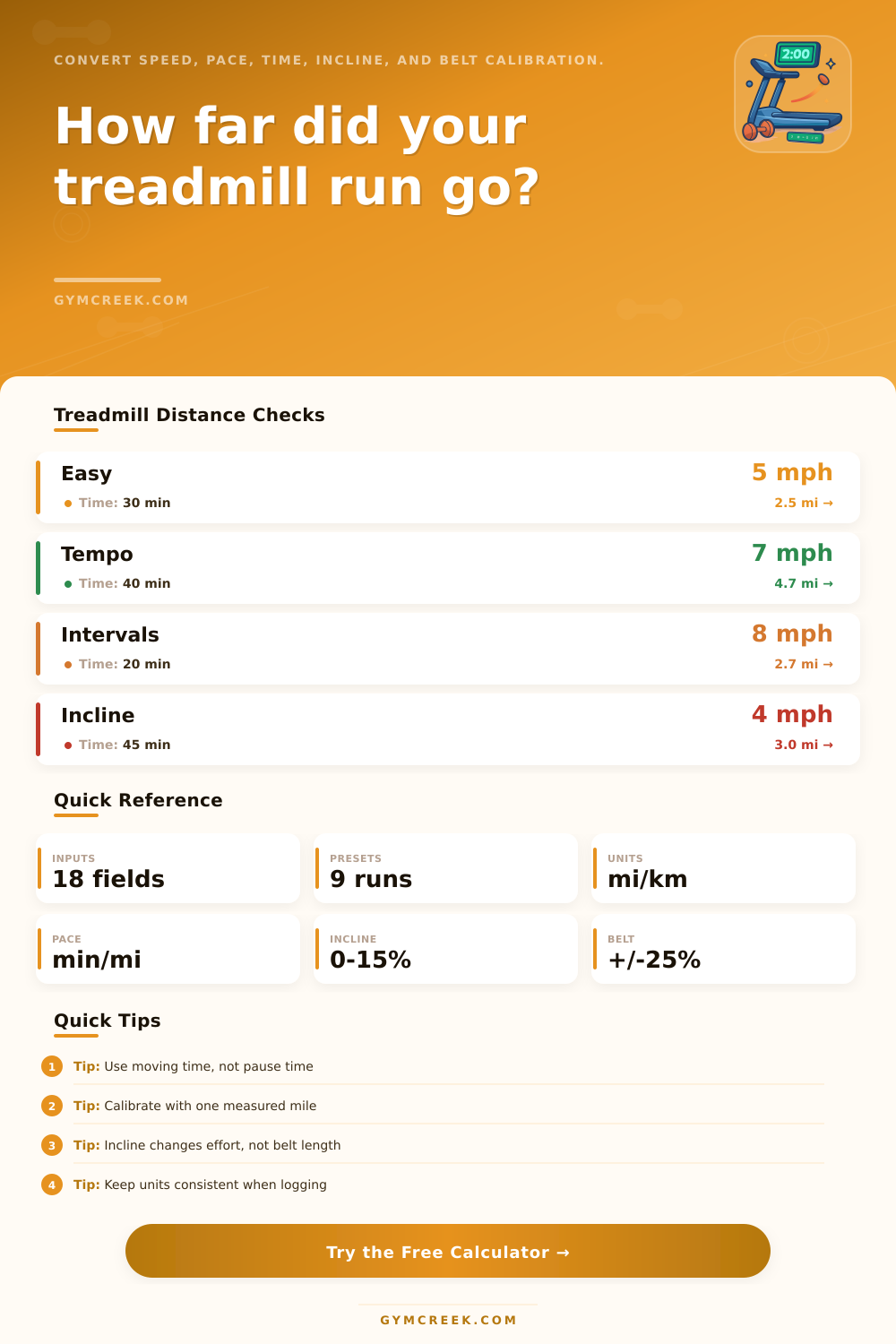
Treadmill Distance Calculator
Convert treadmill speed, pace, time, incline, warmup intervals, cooldown time, and belt calibration into miles, kilometers, average pace, effort-adjusted distance, and logging notes.
📌Treadmill Presets
Presets load common treadmill distance scenarios. They do not create workout programs; they simply calculate distance from the numbers on the console.
⚙Calculator Inputs
Treadmill distance snapshot
Enter speed, pace, time, incline, interval, and belt calibration values to calculate distance.
📊Distance Metrics
📑Reference Tables
| Speed | Pace per mile | Pace per km | 30 min distance |
|---|---|---|---|
| 3.0 mph | 20:00 | 12:26 | 1.50 mi |
| 5.0 mph | 12:00 | 7:27 | 2.50 mi |
| 6.0 mph | 10:00 | 6:13 | 3.00 mi |
| 8.0 mph | 7:30 | 4:40 | 4.00 mi |
| Incline | Belt distance | Effort effect | Use case |
|---|---|---|---|
| 0% | Unchanged | Flat baseline | Console match |
| 1% | Unchanged | Small outdoor-like load | Most runs |
| 3% | Unchanged | Noticeable effort lift | Hill compare |
| 6%+ | Unchanged | Large effort lift | Incline walk |
| Test result | Factor | Meaning | Calculator action |
|---|---|---|---|
| Measured equal | 100% | Console matches | No change |
| Measured 1.02 mi | 102% | Console short | Adds distance |
| Measured 0.98 mi | 98% | Console long | Reduces distance |
| Unknown | 100% | No correction | Standard math |
| Formula | Inputs | Output | Purpose |
|---|---|---|---|
| Distance | Speed x time | Miles or km | Belt total |
| Pace | Time / distance | min per unit | Average log pace |
| Grade gain | Distance x incline | Feet or meters | Vertical estimate |
| ACSM run | Speed, grade, kg | Calories | Effort estimate |
💡Calculation Tips
Treadmill distance can be difficult to record, as various device will provide you with different numbers. You may see one number on the treadmill console, another on your fitness watch, and still another if you compare that distance to one that you ran outdoors. Furthermore, if you used an incline or changed the speed at which you ran on the treadmill, you may see even more disparity between the devices.
For these reasons, calculating the distance that you ran on the treadmill can become a mathematical task. Treadmills measure the movement of the treadmill belt, but that movement does not necesary indicate the movement of your body. For example, if you ran one mile on a flat treadmill at six miles per hour, you did not burn the same amount of energy as when you ran one mile on the treadmill at a three percent incline.
How to Measure and Track Treadmill Distance
Runners feel this disparity in energy used when they use different treadmills or when they compare treadmill distances to distances that they ran outdoors on hills. However, the treadmill distance calculator allows you to enter your speed, the total length of time that you ran on the treadmill, and your grade to determine either the distance of the treadmill belt or your effort on the treadmill. Many runners will utilize warmup and cooldown distances on the treadmill while they is running on the treadmill.
However, people often leave these distances out when they attempt to calculate the total number of miles that they ran during the week. The calculator allows you to include or exclude these distances to reflect your actual distance run during your treadmill sessions. Belt calibration is a step that most runners will unfortunatly skip when logging their treadmill distances.
However, the calibration of the treadmill belt is necessary for accurate data to be logged. When treadmills are not calibrated correctly, the treadmill will display a distance traveled that is greater than the distance that you actually ran. To calibrate the treadmill, you have to run a known distance at a steady speed.
By comparing the two distances, you can enter a correction factor into the calculator. From that point forward, the calculator will reflect your actual distance traveled on the treadmill. An incline increases the amount of effort that you must use while running on the treadmill.
However, the incline will not change the distance of the treadmill belt. The calculator maintains the separation between treadmill belt distance and effort distance so that you can select which to record in your training logs. Depending on the type of treadmill and type of distance that you want to compare to your outdoor distances, either distance may be preferred over the other.
However, only one distance should be used throughout your training to make your training logs useful. Pace and speed are two different variables that are used to describe how fast you are moving on the treadmill. However, each of these variables will result in the same calculation of distance.
If you enter your pace into the treadmill distance calculator, the calculator will automatically calculate your speed in miles per hour. This will allow you to view your average pace for your entire treadmill session. The reference tables included in the distance calculator are intended to be quick references for the runners of various distances.
These tables show the relationship between speed and distance, the relationship between speed and pace, and the relationship between incline and effort. These tables can be of use when you are switching treadmills or when you are altering the type of workout that you used on the treadmill. The treadmill distance calculator will provide you with an estimate of the number of calories that you burned during your treadmill session.
An equation calculates this value by taking into account your speed, your incline, and your body weight. While this number is not exact, it does provide an estimation of the number of calories that you burned in relation to the number of calories that you burn daily for maintenance. This value is of use to those that wish to plan there nutrition and the number of calories that they consume daily.
The purpose selector allows you to alter the purpose for which you are calculating your distance, but it will not change the mathematical calculations of the calculator. This option allows you to choose between logging your distance for a record, logging it to match the distance of an outdoor race, or logging your distance for comparison of incline-based efforts. However, the numbers that are calculated will remain the same, no matter which purpose you select.
One of the most common mistakes when using the calculator is using the total amount of time that you spent on the treadmill instead of your moving time. Your moving time is the amount of time that the treadmill belt moved while you were running. Using the total amount of time will lead to inaccuracies in your logs.
Another of the most common mistakes with treadmill distance calculations is mixing units of measurement. If you use kilometers on one treadmill and miles on another, your logs will become difficult to compare. Using the unit selector on the calculator will allow you to ensure that all of your treadmill logs use the same unit of measurement.
You should use the measurements provided on the treadmill console as only one of the sources of data for your treadmill logs. Other measurements to consider include your level of effort, your breathing rate, and how your legs felt during your session on the treadmill. While the distance that you ran is a helpful measurement, it isnt the only one that can be used to measure the effort that you put into your run that day.
With the implementation of the calculator to correct these errors, your treadmill distance will be more reliable. In time, using the calculator will become a habit, and your logs will accurately reflect how your body felt during each of these treadmill sessions. You should of used a calculator to help with your training for a long time.