Stationary Bike Speed Calculator
Estimate indoor bike speed from cadence, virtual wheel size, resistance, bike type, power, duration, and display units, then compare distance, pace, calories, and workload.
📌Indoor Ride Presets
Presets are indoor-bike scenarios, not outdoor ride copies. Edit the virtual wheel, resistance scale, cadence, power mode, and workout duration to match the console or trainer you use.
⚙Calculator Inputs
Stationary bike speed snapshot
Enter cadence, virtual wheel size, resistance, power, and duration to calculate indoor speed and distance.
📊Indoor Speed Metrics
📑Reference Tables
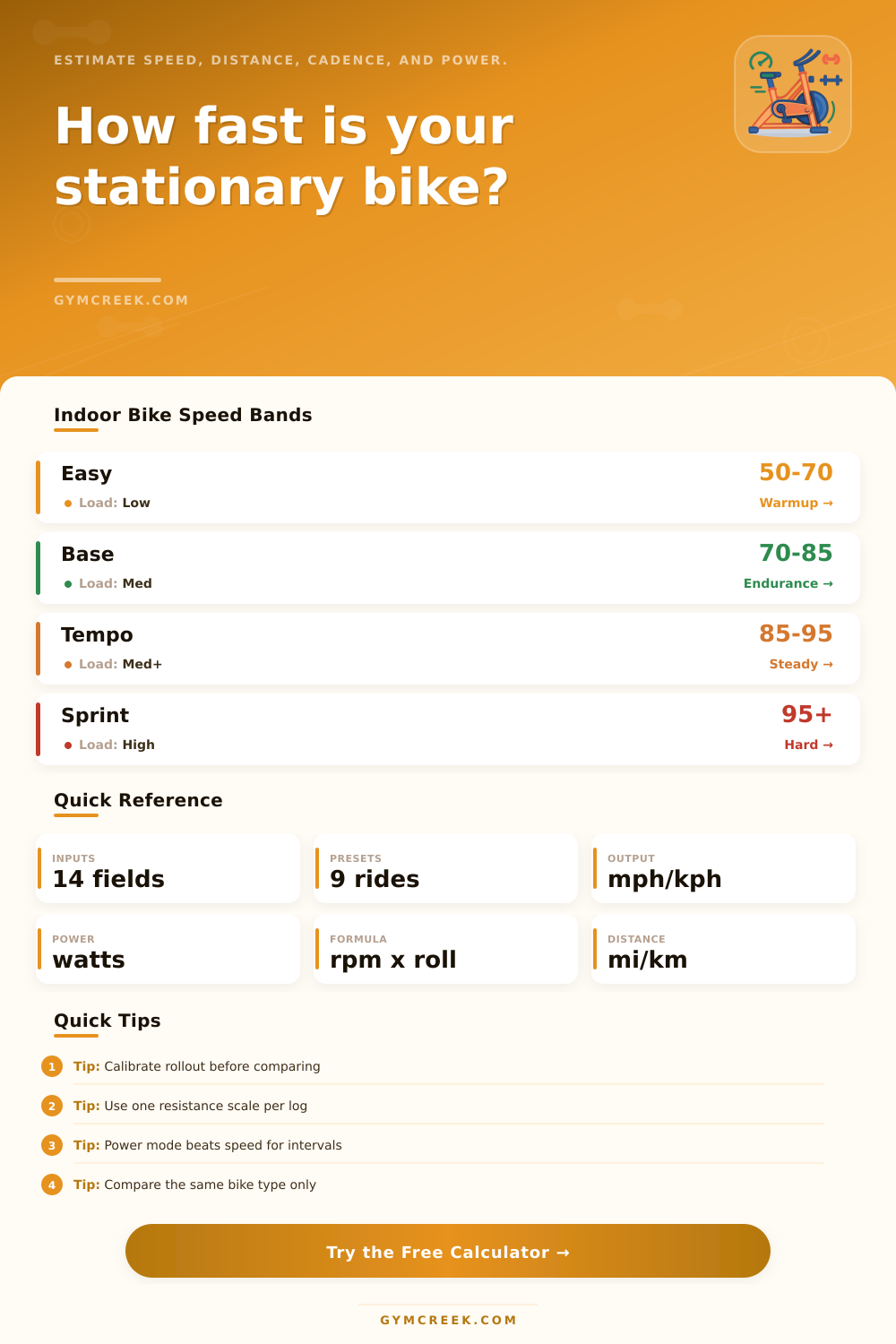
| Ride type | Cadence | Resistance | Speed note |
|---|---|---|---|
| Warmup spin | 50 to 70 rpm | Low | Speed mostly reflects easy rollout |
| Endurance | 70 to 85 rpm | Low to medium | Best for steady distance estimates |
| Tempo | 85 to 95 rpm | Medium | Power starts to matter more |
| Intervals | 95 plus rpm | Medium to high | Compare watts before speed |
| Setting | Rollout | Console feel | Use |
|---|---|---|---|
| Small console wheel | 1.70 m | Lower speed per rpm | Compact bikes |
| Indoor cycle | 1.95 m | Moderate display speed | Studio bikes |
| Road default | 2.105 m | Common road-style speed | Smart trainers |
| Large virtual wheel | 2.32 m | Higher speed per rpm | 29er displays |
| Bike type | Resistance curve | Speed behavior | Best comparison |
|---|---|---|---|
| Spin bike | Magnetic or friction | Stable at high cadence | Same bike, same scale |
| Recumbent | Moderate console load | Often smooth and conservative | Distance and calories |
| Smart trainer | ERG or simulated load | Power-led speed | Watts and W/kg |
| Air bike | Rises with cadence | Power jumps quickly | Watts and calories |
| Formula | Inputs | Output | Purpose |
|---|---|---|---|
| Cadence speed | RPM, rollout, ratio | Raw speed | Virtual wheel estimate |
| Resistance drag | Level, scale, bike | Speed factor | Indoor load adjustment |
| Power estimate | RPM, load, bike | Watts | Workload check |
| Distance | Speed and duration | Miles or km | Workout output |
💡Calculation Tips
Stationary bike can be found in many locations, including the living room, the garage, and the gym. The speed readouts on these stationary bikes, however, isnt easily compared between bikes due to the different mathematical methods that each bike use to calculate its speed. For example, one stationary bike may read 18 mph for an rpm of 80, yet another bike may read 14 mph for the same rpm.
Each stationary bike use a speed calculator to calculate its displayed speed. The calculator allow users to become aware of what the stationary bike is measuring, thus allowing the stationary bike’s displayed numbers to become useful to the cyclist. The virtual wheel size that is use in the calculation of the speed of a stationary bike is another variable that affect the measurement of speed.
Compare Stationary Bikes with a Speed Calculator
Most stationary bike dont use a tire to roll on the pavement, instead using a virtual tire and its circumference to calculate the distance that the stationary bike has traveled. The smaller the virtual circumference of the wheel, the less distance the bike will travel for a given number of crank revolutions. Conversely, the larger the virtual wheel size the bike uses, the greater distance that the bike will travel at the same number of crank revolutions.
If a cyclist switch from one type of stationary bike to another, the apparent speed of the pedals may change even with the same pedaling speed due to these differences in virtual wheel sizes. A speed calculator that allow for the virtual wheel circumference to be entered will display the speed that the stationary bike will realistically reach. The resistance levels of stationary bikes also may impact the speed calculations made by stationary bikes.
Most bikes uses different methods of providing resistance, such as magnetic systems, friction pads, or air fans. For example, an output of eight might indicate more physical effort for one bike than a resistance level of twelve on another bike. To provide for accurate comparisons of speeds between stationary bikes, the user should enter the type of stationary bike into the speed calculator to allow the calculation to provide a figure that is directly comparable with other stationary bikes’ displays.
Thus, if a cyclist does not use a speed calculator that consider these factors, they may feel like they are performing the same amount of physical effort on each bike, yet they are developing the wrong type of physical effort. Another method of comparing the efforts that an individual put into stationary bikes is by measuring the power that is being generated. Power is more stable than the speed that is measured on stationary bikes, allowing for an individual to use power to indicate whether or not they were performing harder sessions on their stationary bikes.
Most speed calculators will calculate the watts (unit of power) that the cyclist is generating by measuring the cyclist’s cadence and the resistance of the bike. These estimated watts will be blended with any data that the cyclist manually enter into the calculator. Such measurements will allow an individual to compare their performance over time despite any differences in the virtual wheel sizes of their bikes.
Finally, another measurement of an individual’s performance on a stationary bike is their cadence zones. Cadence zones help to indicate the power that is being create by the cyclist. For instance, if an individual is performing an easy spin on the stationary bike, their cadence will be below 60 rpm.
Cadence zones between 70 and 85 rpm allow an individual to build their endurance on the stationary bike, while cadence speeds above 95 rpm help to develop an individual’s sprint capacity on the stationary bike. A speed calculator can automatically reveal an individual’s cadence zones. Thus, by using a speed calculator to monitor an individual’s cadence, they will not unintentionally perform at the same rate for each stationary bike session.
The duration and distance you ride on a stationary bike will work together to determine your pace. For instance, if you ride for 45 minutes at 16 mph, your distance covered will be 12 miles. If you were to perform that same amount of effort on a stationary bike with a smaller virtual wheel size, the distance may read 10 miles, but the amount of work performed is the same.
A speed calculator will help you to keep track of these variable so that you can monitor your training. If you do not use one, you may either undercount or overcount the amount of work that you perform during your training sessions. Another factor that you can incorporate into your training calculations is your body weight.
Watts per kilogram will allow you to compare your power to other individuals who ride stationary bikes, as well as to compare your strength over time. A speed calculator will include your body weight into the calculation to determine your wattage. Additionally, a speed calculator will also provide an estimate of the number of calories that you have burned during your training session based off the intensity and length of your stationary bike ride.
These calories can help you to ensure that you are properly providing your body the energy that it needs to perform your cycling workouts. One final factor to consider is your activity levels during the day as well as your demographics. For example, your daily activity levels will not impact the math behind your stationary bike training sessions, but they will impact the portion of your daily energy expenditure that you burn while riding the stationary bikes.
A sedentary individual will burn 400 calories during a stationary bike ride session at the same rate as an active individual, but those calories will represent a much different portion of each individual’s daily energy use. Finally, each of these variable can be seen on the screen of a speed calculator, which will allow you to understand how your stationary bike training fits into the remainder of your daily activities. Many common mistakes are made with stationary bikes due to individuals incorrectly entering certain variables for their training sessions.
For example, many individuals will ride a stationary bike with one size of virtual wheel, perform their training session, then ride another stationary bike with a different sized virtual wheel with the same amount of effort. These individuals will often believe that their strength has declined when, in fact, they are simply comparing two different variables. Other common mistakes can be seen in the incorrect use of speed calculators by individuals who instead focus on the highest speed that they can achieve while riding versus those who treat stationary bike training as interval training sessions.
Each of these mistakes can be prevent by the use of a speed calculator. One of the most common suggestions for stationary bike riders is to select one virtual wheel size and one resistance scale for each stationary bike. By doing so, you can ensure that you are providing accurate measurements of the strength and endurance of each individual over time.
While many variable can be adjusted on each stationary bike, such as your target speed or the length of each training session, keeping the virtual wheel size and resistance scale to the same settings will allow you to best compare your progress over time. Because stationary bikes do not include elements like wind, hills, or drafting from other bicycles, it is impossible for the virtual speed on a stationary bike to ever truly reflect the speed that you can achieve while riding outdoors. Additionally, the speed calculator cannot account for this limitation of stationary bikes.
Instead, it can help you to track your strength and endurance while using a stationary bike indoors.