Sleep Cycle Calculator
Plan bedtime around 90-minute sleep cycles, realistic sleep latency, alarm buffer, age context, nap adjustment, and wake-time flexibility.
⏱Cycle Presets
📝Sleep Inputs
Sleep cycle snapshot
Enter your wake time and cycle targets to estimate bedtime windows.
📊Sleep Metrics
📑Reference Tables
| Cycles | Sleep | Bedtime | REM-Rich |
|---|
| Cycles | Wake Time | Window | Use |
|---|
| Age | Typical Range | Cycle Target | Note |
|---|---|---|---|
| 6-12 | 9-12 hr | 6-8 | Earlier bedtimes help consistency |
| 13-18 | 8-10 hr | 5-7 | Late schedules still need enough cycles |
| 18-64 | 7-9 hr | 5-6 | Most plans start here |
| 65+ | 7-8 hr | 5 | Sleep may be lighter or more split |
| Item | Formula | Input | Output |
|---|---|---|---|
| Sleep time | Cycles x length | Cycle count | Total sleep |
| Alarm time | Wake - buffer | Ready time | Alarm cue |
| Bedtime | Alarm - sleep - latency + nap | All inputs | Lights out |
| Inertia risk | Cycle fit + sleep need | Age, cycles | Low to high |
💡Tips
Sleep cycle last approximately ninety minute and change in composition throughout the night. While many people believe that sleep is a single state, sleep are actualy a series of stage. If someone wake up during deep sleep, they may feel groggy.
However, if someone wake up at the end of a sleep cycle, they will feel more alert. Therefore, sleeping in ninety-minute cycles will help to avoid feeling groggy upon waking. Each sleep cycle last ninety minutes, but the length of sleep cycles may be longer or shorter depending on the amount of rest that an individual need.
Sleep Cycles and a Bedtime Calculator
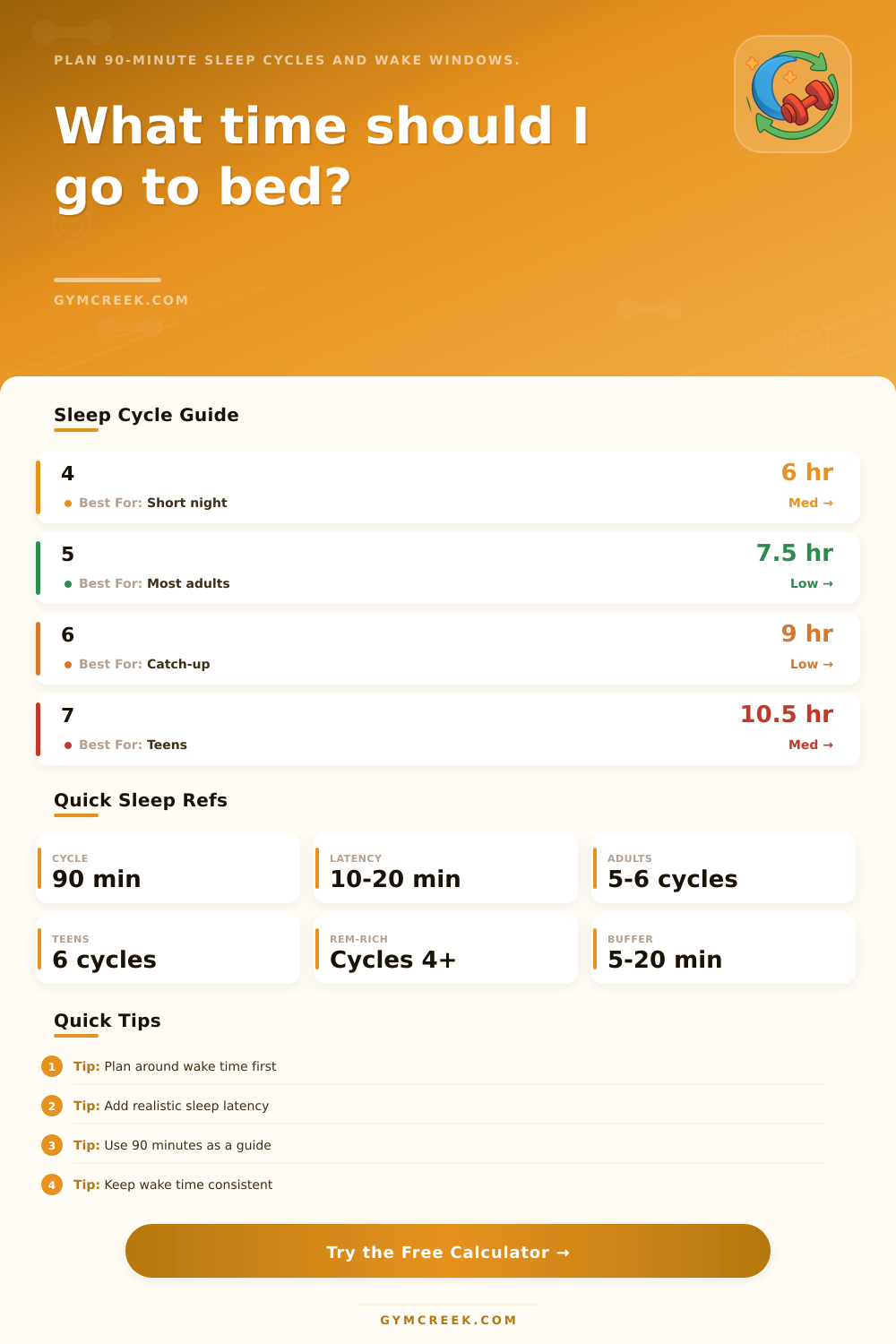
The earlier sleep cycles contain more deep sleep and the later sleep cycles contains more REM sleep. REM sleep is associated with memory and mood. Since deep sleep cause grogginess when waking up, individuals should aim to wake up at the end of each sleep cycle.
A calculator is provided that will allow an individual to input there wake up time and provide recommendation for when they should sleep. The sleep cycle calculator utilize several variable to determine recommendations for sleep. Variables include sleep latency, nap, and age.
Sleep latency is the amount of time that it take for an individual to fall asleep after getting into bed. Sleep latency lasts between ten and twenty minutes for most adult. If the calculations for bedtime do not account for sleep latency, an individual will fall asleep too late at night.
Naps are important to account for because during the daytime, an individual may take a nap that will make them fall asleep later in the evening or earlier in the evening. Finally, age is also a variable use in the calculations. For instance, teenager need more sleep than adults.
The sleep cycle calculator will output two answer. A wake window refer to the amount of time between when you fall asleep and when you wake up. If you have a narrow wake window, your alarm will likely go off near a sleep cycle boundary, and you will have a greater chance of waking up from a sleep cycle without experiencing morning inertia.
Morning inertia describe the grogginess that a person feel when they wake up suddenly. A wider wake window offer you more flexibility in terms of when you have to get up. A wider wake window will be more helpful for people who take longer to fall asleep then they would like.
The calculator will also display the inertia risk score. This score will tell you how compatible your sleep schedule is to your biological need. The ninety-minute sleep cycle that is depicted on the sleep calculator do not have to be the sleep cycle that you achieve each night.
Your sleep cycles can differ from night to night. Stress, caffeine, and light exposure can all affect your sleep cycle length. If you consistently feel groggy after waking up, then you should evaluate your sleep latency and your sleep cycle count.
You should try to maintain a consistent wake time each day. Your body will naturaly adjust to a wake time on the weekends because your bodys circadian rhythm will naturaly struggle to adjust to a changed schedule on Monday morning. The reference tables depict the amount of sleep that you will get with specific sleep cycle counts.
These tables will allow you to see if the sleep cycle amount that you desire will provide you with the amount of sleep that your age require. The reference tables also depict the impact that your bedtime flexibility have on your wake windows. Finally, you can use the buffer setting to add time between your wake up time and when you must be active.
The buffer will provide you with extra time to become alert after waking up, especially if you naturaly wake up near the end of a sleep cycle. Use this sleep calculator regular to test the variable in your sleep schedule. Try to change only one variable at a time to observe its impact on your grogginess.