Calories Burned Running Calculator
Estimate running calories from body weight, route distance, pace, grade, terrain, weather drag, and running economy.
🏁Running Presets
Presets load realistic runner profiles, route conditions, and pace values, then recalculate automatically.
⚙Calculator Inputs
Run calorie snapshot
Enter your run details to compare ACSM, distance, and adjusted calorie estimates.
📊Fitness Metrics Comparison
📑Reference Tables
| Formula | Core Equation | Best Use | Notes |
|---|---|---|---|
| ACSM running | VO2 = 0.2S + 0.9SG + 3.5 | Pace and grade | S is m/min, G is grade |
| MET calories | MET x 3.5 x kg / 200 | Calories per minute | MET = VO2 / 3.5 |
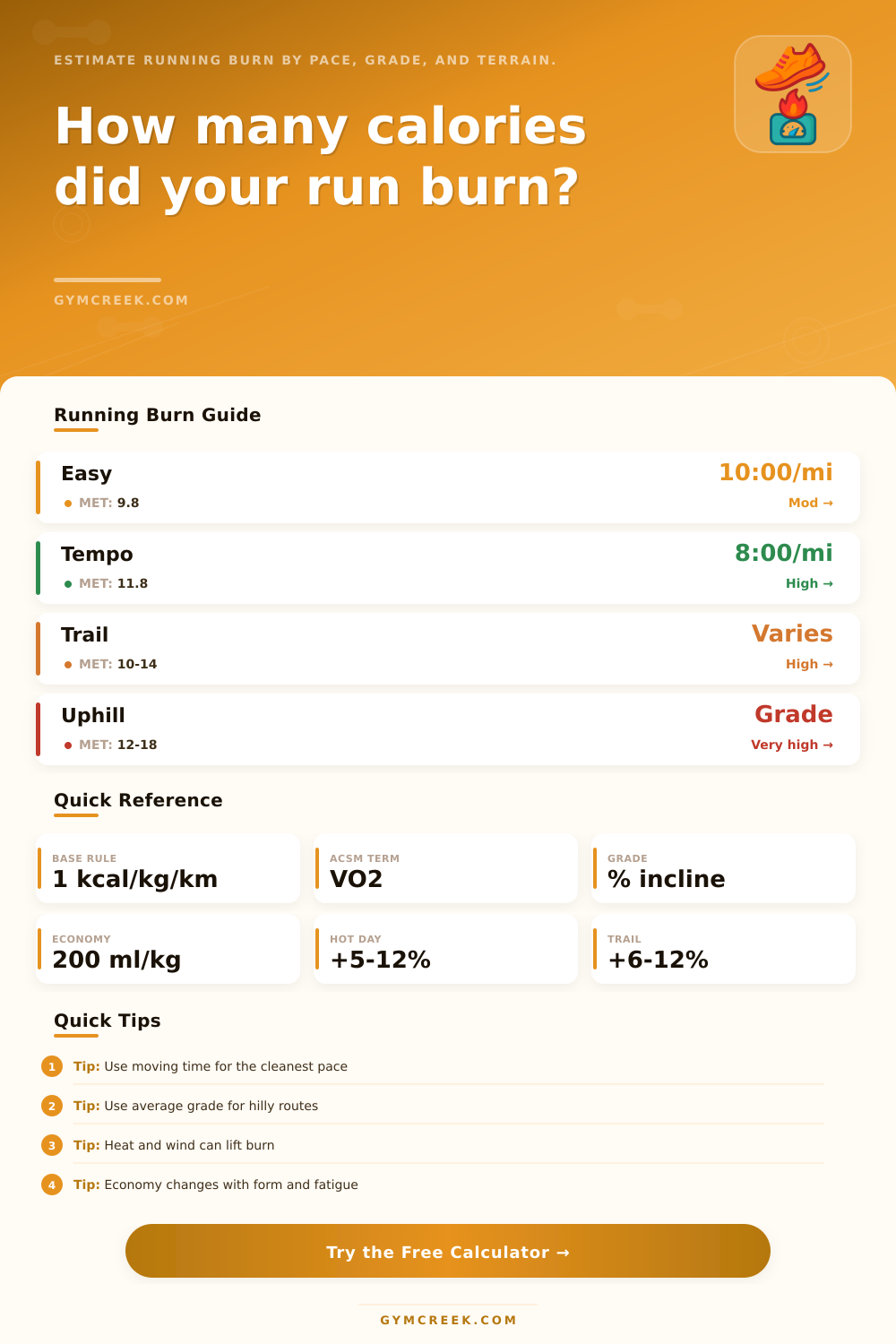
| Distance rule | kg x km x economy factor | Route cross-check | Baseline is near 1 kcal/kg/km |
| Weekly burn | Run kcal x weekly runs | Training load | Same route and effort assumed |
| Terrain | Factor | Why It Changes | Typical Use |
|---|---|---|---|
| Track | 0.98 | Smooth and predictable | Intervals, testing |
| Road | 1.00 | Baseline surface | Most outdoor runs |
| Gravel | 1.04 | Small stability demand | Paths, parks |
| Trail | 1.10 | Turns, footing, climbs | Uneven routes |
| Soft sand | 1.24 | High push-off cost | Beach running |
| Pace Zone | Min per km | Min per mile | Typical Feel |
|---|---|---|---|
| Recovery | 7:30+ | 12:04+ | Very easy |
| Easy | 6:15-7:29 | 10:03-12:03 | Conversational |
| Steady | 5:15-6:14 | 8:27-10:02 | Controlled |
| Tempo | 4:20-5:14 | 6:59-8:26 | Firm effort |
| Fast | Under 4:20 | Under 6:59 | Race or repeats |
| Running Economy | ml/kg/km | Calorie Effect | Context |
|---|---|---|---|
| Very economical | 170-185 | Lower burn | Efficient trained runner |
| Typical trained | 186-205 | Baseline | Most regular runners |
| Less economical | 206-225 | Higher burn | Fatigue, hills, form cost |
| Very costly | 226-250 | Much higher | Soft surface or heavy fatigue |
💡Running Calculation Tips
Factors that affect the number of calories burned while running are complex. While distance can be displayed on a runners watch, various other factor will change the number of calories that are burned during that distance. The calorie calculator use specific formulas to determine the number of calories that will be burned during a run without the runner having to perform the calculation themselves.
The weight of the runner will impact the number of calories that are burned since the runner will have to move their body mass with each stride. The heavier of the two runners will have to perform more work to move their body than the lighter runner. Thus, the heavier runner will burn more calories during they run.
What Changes How Many Calories You Burn When Running
While height is not one of the factor that is captured by the calculator, height is often correlated with body mass, the value that must be entered into the calculator. Thus, the runner must enter the weight into the calculator, as the weight of the runner will impact the number of calories that must be burned for that runner to complete the distance. The calculator can use the distance that is entered into the calculator and the time that it take to run that distance to determine the pace of the runner.
With the pace determined, the calculator can calculate the calories that will be burned by using the ACSM equation. The ACSM equation calculate the number of calories that will be burned based on the rate at which a runner’s body consume oxygen during a run. Thus, by using the ACSM equation, the calculator can determine the number of calories that will be burned during a run.
Factors like the terrain that is being run on and the weather while running will alter the number of calories that are burned. For instance, if an individual is required to maintain their balance on a technical trail, they will burn more calorie than if they were running on flat terrain. Additionally, when an individual runs in soft sand, they must burn more calories during the push-off phase for each stride, which lead to the runner burning more calories overall.
The weather can also have an impact on the number of calories that are burned. For example, if the weather is hot and humid, the body will burn calories to cool the body. Therefore, the calorie calculator also include multipliers that account for hot weather or humidity.
One of the factors that the calorie calculator captures is the running economy of the runner. For instance, if the runner is trained, they will have high running economy. Thus, the runner will burn less oxygen than an individual with poor running economy.
Because the runner does not consume more oxygen, fewer calories are burned by individuals with high running economy. Thus, an individual’s running economy can be entered into the calculator to determine the number of calories that will be burned during a run. The calorie calculator also include reference tables that explain the formulas that are used to calculate the number of calories that are burned by a runner during a race or run.
One of these tables include the ACSM equation, which uses the runner’s speed and the grade of the terrain to calculate the number of calories burned per minute. Another reference table calculate the distance burned by multiplying the body weight by the distance to be ran and the running economy of the runner. These two reference tables allow individuals to verify the result that are displayed on the calculator.
The calorie calculator can calculate the number of calories that will be burned each week by a runner. For instance, if an individual calculates the number of calories that will be burned during a single run, the calorie calculator can ask how many run that individual will complete in that week. The total number of calories can be calculated by multiplying the calories per run by the number of runs that will be completed each week.
Thus, the calculator can display the number of calories that will be burned each week. Knowing the number of calories that will be burned per week allows an individual to balance there energy intake and output. The calorie calculator also displays the zone in which an individual is running.
For example, if the distance and time to run the distance is entered into the calculator, the calculator can determine whether an individual is performing a recovery run, or a tempo run at a faster rate. Because a recovery run will burn fewer calories per minute than a tempo run, an individual can use these numbers to plan there training. To avoid errors in the calculator, certain mistakes should of been avoided when entering information into the calculator.
One error that should be avoided is using total elapsed time instead of moving time. For instance, if an individual takes a break during a run to rest, the total time will reflect the length of the break. The moving time will only reflect the length of the running portion of the individual’s break.
Thus, using the total time would make an individual’s pace appear slow than it is. Another error would be to enter the grade of the steepest portion of a run instead of the average grade. The average grade for a run will display the mean incline, or the average slope of the terrain for the distance that is to be ran.
Thus, using the steepest grade will make the results inaccurate. The calorie calculator displays the number of calories that are burned per mile or per kilometer. Thus, an individual can compare different distances or routes for the number of calories that must be burned to complete that route.
For example, a hilly route may result in the runner burning more calories per kilometer than a flat route. These numbers can be used to compare the efficiency of various training option. While the calorie calculator includes many different variables to calculate the number of calories that will be burned during a run, there are some factor that the calculator cannot account for.
For instance, the direction of the wind may change during a run. The footing of an individual may change as they become fatigue. Additionally, there may be cramps or detours during a run that the calorie calculator cannot account for.
Thus, the calorie calculator is only an estimate of the number of calories that will be burned during a run. However, the number may change with an improvement in the running economy of an individual or with changes in the weather. These alteration in the calculated number of calories will allow an individual to track their improvements in running economy or the impact that the weather may have on their running performance.