
What happens when your gym at home break down? Perhaps you bought a shiny new ProForm treadmill. Maybe you’re tired of running out into crazy weather.
Perhaps you want to stay on top of your fitness AND save time. When it quits spinning the belt…when the screen turns black…you feel betrayed by your routine. It’s almost a fear of being stuck inside doing nothing.
When their treadmill break, most owner think it must go to a certified tech for repair. Call in the troops. Wait on hold for several weeks.
Then hand over a ton of money for some dude to tell you “it’s a blown fuse,” or “a loose wire. Here’s the scoop: A lot of ProForm problems is simple things that any competent homeowner can tackle themselves. All you need is direction… and safety tips when you do so.
Step by Step ProForm Treadmill Repair Guide
Safety First: Unplug and Check the Key
The very first thing with all home treadmill repairs are to ensure the treadmill is unplugged. Treadmills has some pretty hefty voltage running through them. Before doing anything around the console or underneath the deck, make sure it’s unplugged.
You don’t want to get shocked; and electricity doesn’t forgive. Doing this alone will avoid most (if not all) of the worst accidents that happen while attempting your own treadmill repairs. First thing to check is what’s typically the culprit, the safety key.
Sure, it seems ridiculous, but when the key for the magnetic safety lock are not fully engaged in its port, dirty or even absent, your treadmill motor won’t engage. When no magnet is sensed, it believe someone fell out so it shuts it down right then. Gently wipe the port clean with a dry rag.
Make sure the key snaps into place. That is usualy all it needs.
Lubricating the Belt to Prevent Friction
For ProForm machines that use silicon oil as a lubricant, check the belt lubrication to prevent excessive friction between the deck and the belt.
Without it, the motor can absorbs the belt easily. This cause it to overheat, which will eventually cause it to stop working. The belt lubrication should of been checked if the belt will not engage even though the safety key is in place.
Refer to your user manual for the proper belt oiling schedule. Follow directions on what and when to grease belts. You’ll know they need more lubrication if you hear them squeak and feel dry.
A smoother running belt also significantly extend motor life.
Adjusting Alignment Bolts for a Straight Belt
Another common problem is that the belt get off-track. It will start rubbing on the frame and eventually get damaged if it’s allowed to sit off-center for too long.
The decks on most ProForm treadmills has adjustment bolts located towards the back of the treadmill. Turn these bolts in small increments, usually a quarter turn at a time, to center the belt. While you’re running at a slow pace, observe where the belt sits.
Continue adjusting until the belt runs straight down the middle. Be careful not to overtighten, this can damage the decking surface and also shorten the life of your motor.
Checking Wiring and Electrical Connections
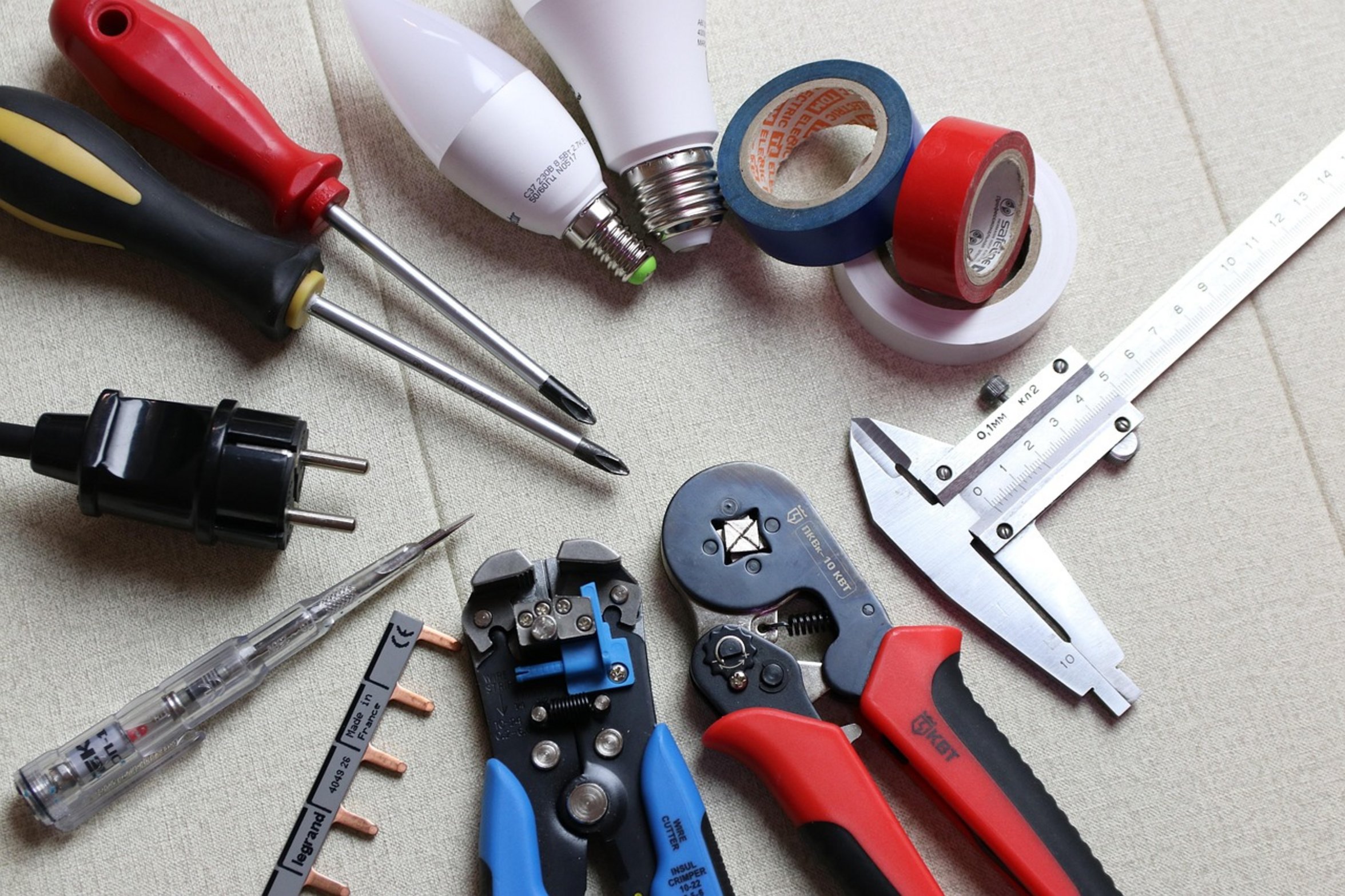
It may occasionally be as simple as an electrical connection.
Sometimes you’ll turn it on and everything is fine except that belt doesn’t go anywhere. It could be a disconnected motor control board. Check the wiring harnesses to see if they’ve come out of their plugs inside the rear or front (depending on your model) panel.
Check for corroded connectors or even loose plug. If something feels a little loose, just reseat it. If some of those pins are oxidized, clean them up with some electrical contact cleaner.
That will fix that signal path from the console back to the motor.
Resetting the Circuit Breaker
Regarding the power supply, look for a circuit breaker on the treadmill. This is usually inside of the motor cover on many ProForm treadmills.
The breaker is actually located near the motor cover. A breaker will trip if something has overloaded the system (i.e., overloading the treadmill), which in turn can save your internal components. Find the breaker and return it to the “on” position.
If it instantly trips again, you have an underlying electrical problem best left for a pro to handle. Don’t force it! That’ll cause a fire hazard.
When to Replace Parts or the Machine
Lastly, take into account how old your machine is and what it’s been through. Components eventually just go. If you have already checked all the electrical connections, lubricated the deck, and replaced the belt without any luck, it could be the motor or the motor control board.
For older machines they aren’t worth fixing and these are pricey pieces too. Compare the cost of buying a new treadmill versus replacing any parts. It may make more sense to buy new in the long run.
When you fix your ProForm treadmill, you’re not only fixing it, you’re regaining confidence in your at-home workout equipment. Fixing your own treadmill saves you money AND helps you better understand the workings of the machine. Maintain your treadmill regularly and keep a toolbox handy for when something needs fixing.
Your treadmill will operate more reliably and last longer.
