Jogging Distance Calculator
Estimate how far a jog covers from time, pace, run-walk structure, terrain, incline, cadence, stride length, and weekly frequency.
📌Jogging Presets
Presets load realistic jogging sessions. Change any field after loading one to model your own route.
⚙Calculator Inputs
Jogging distance snapshot
Enter session time, pace, terrain, and run-walk structure to estimate distance.
📊Jogging Metrics Grid
📑Reference Tables
| Distance | Miles | Kilometers | Typical use |
|---|---|---|---|
| Short easy jog | 1-2 mi | 1.6-3.2 km | Return, warm-up, habit building |
| 5K route | 3.11 mi | 5.0 km | Fitness benchmark and beginner race distance |
| 10K route | 6.21 mi | 10.0 km | Longer aerobic base and endurance work |
| Half marathon | 13.1 mi | 21.1 km | Distance goal, not an everyday easy jog for most runners |
| Jog feel | Min/mile | Min/km | 5K time |
|---|---|---|---|
| Very easy | 13:00 | 8:05 | 40:23 |
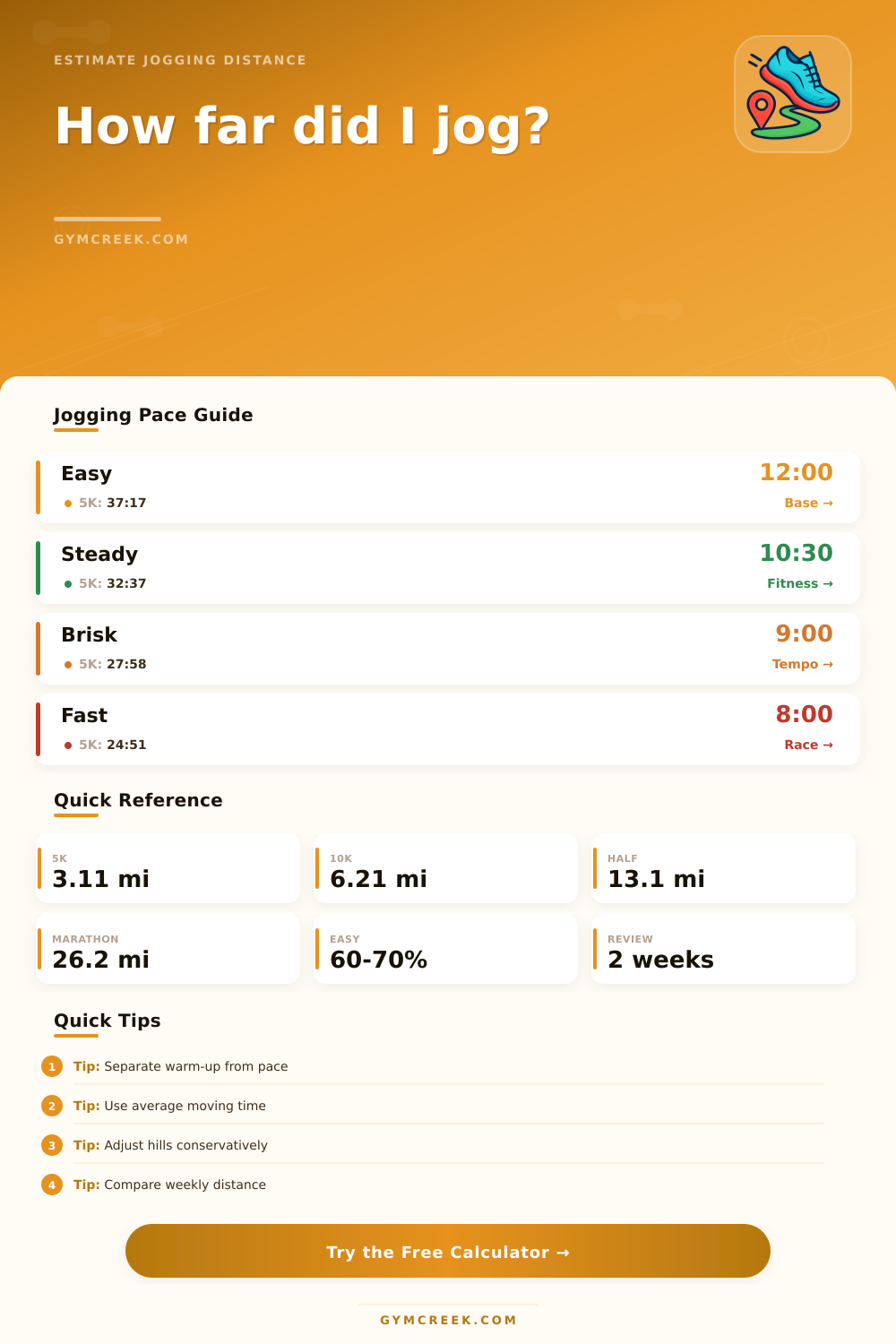
| Easy | 12:00 | 7:27 | 37:17 |
| Steady | 10:30 | 6:31 | 32:37 |
| Brisk | 9:00 | 5:35 | 27:58 |
| Fast recreational | 8:00 | 4:58 | 24:51 |
| Route factor | Calculator treatment | Why it matters | Best input habit |
|---|---|---|---|
| Road or track | Full pace distance | Smooth surface and reliable pacing | Use normal pace |
| Treadmill | Small reduction | Display calibration can vary | Use known belt pace |
| Gravel or trail | Moderate reduction | Turns, footing, and grade slow distance | Use effort pace, not race pace |
| Incline | Up to 30% reduction | Grade costs speed at same effort | Enter average route grade |
| Pattern | Run | Walk | Good fit |
|---|---|---|---|
| Beginner intervals | 1 min | 2 min | Starting or return from layoff |
| Balanced jog | 3 min | 1 min | Building continuous time |
| Light walk breaks | 8 min | 1 min | Longer easy runs |
| Continuous jog | All main time | 0 min | Steady aerobic work |
💡Tips
But after moving for ten minutes, you have no idea how far you’ve gone or where you are. Why? Because all too often we conflate distance with effort. If it’s uphill or you’re a beginner, you might put in a solid 30-minute session, yet only make it a couple mile.
With the calculator above, you simply input your pace and time spent on your session, and let the calculator do the math. No more guessing how far you truly moved. A vague sense of exertion becomes a real-world number to follow month to month and week to week.
Why You Should Use a Running Calculator
The second thing most folks do wrong is view their jogging pace as something solid and unchanging. Nope! It shifts like crazy based off grade and terrain, but many attempt to maintain the same pace in all situations. If you are jogging along a rolling trail or a packed gravel section where your legs needs to stabilize with each footfall, then this will slow you down (even while maintaining the same HR).
And it does take this into account: it uses reduction factors for various surfaces, recognizing that a technical trail mile isn’t the same as a smooth track mile from a physiological perspective. Don’t assume all of your sessions was run at road pace; put in an honest terrain type.
It also handles more complex scenarios like run-walk intervals, which most basic pedometer can’t handle. Say you take a break to walk every once in a while, this will drop your average pace much lower than just maintaining a jog (since you’re only moving for three out of four minutes). But without separating the runs from the walks, calculating your distance become difficult.
With the calculator, you can specify your interval lengths to factor walking breaks into your pace (at a reduced rate) while keeping your running segment intact (moving faster). This impacts both your distance traveled and how many calories you burned. Running uses up more calories per minute then walking; getting an accurate estimate of energy expended means accounting for those differences in time.
Warm ups and cool downs is often forgotten when tracking distance, but they still take up real time during your run. So while 6 minutes of slow walking before/after might not count towards any miles, it will throw off your average pace. This is where breaking them away from the rest of the set really shines. You’ll have a better sense of what your true pace was during the run itself without the impact of starting and stopping slowly.
The app will split that out too allowing you to know precisely how much of distance was from jogging vs getting into position. This can be useful if you’re wondering if you’re gaining endurance or merely wasting time on the outskirts.
The key is weekly mileage. The calculator projects your weekly load based on session frequency, allowing you to see if you are jumping more then ten percent from your current baseline. Overuse injuries such as shin splints and stress fractures occurs because people suddenly increase their mileage. This calculator will project how much you’ll run per week based on sessions. Then compare your projected weekly mileage to today’s. Will you jump up ten percent? That can be a sign that you’re pushing too far too soon. Even though you think you’re feeling good, take those gradual builds seriously. Listen to the numbers; they protect you from your own motivation that wants to push harder than your body can adapt.
You should of listened earlier. Ultimately, running is more of a marathon of consistency than it is a sprint of heroics. It’s all about building a habit, not overdoing it and getting injured, not under-doing it and giving up. If you’re running to get in shape, or training for a race, having an accurate measure of how far you’ve gone will keep you grounded and help you establish a habit. Distance doesn’t lie and it keeps you honest, providing a sort of reality-check that our feelings often can’t. Sure you can be energised from running a long, flat run or exhausted by running a brief, hilly one, but distance will remain objective. Let it inform your progress and use its objectivity as a way to make sure you continue progressing in a steady way. Let the numbers carry the load while you enjoy the run.