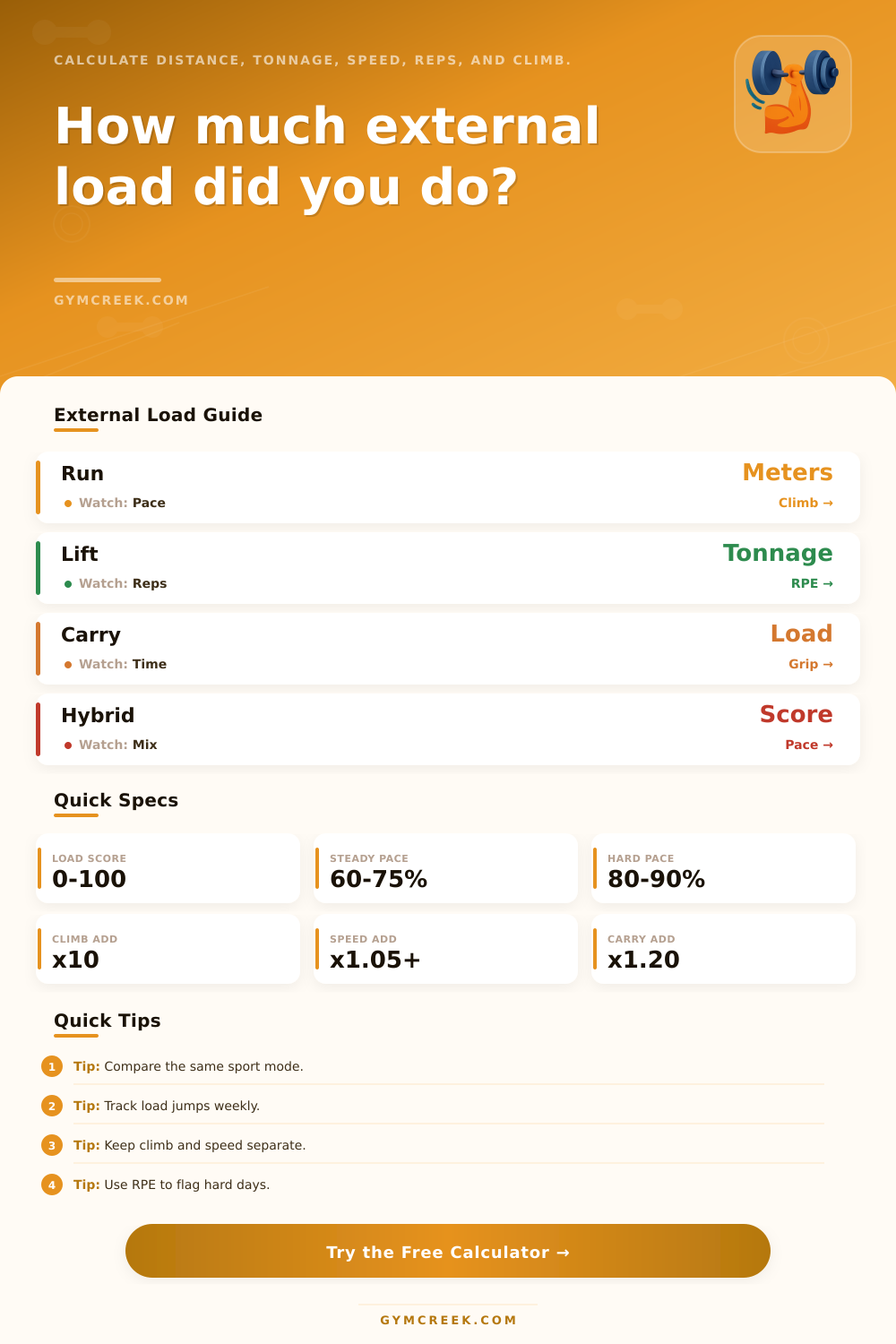
External Load Calculator
Estimate training work from distance, tonnage, reps, sets, speed, elevation, duration, sport mode, load type, bodyweight, intensity, and session density.
📌External Load Presets
Presets are realistic training sessions. They load the same formula engine with different sport, speed, load, elevation, and density demands.
⚙External Load Inputs
External load snapshot
Enter session details to estimate equivalent meters, tonnage, density, and load score.
📊External Load Metrics Grid
📑External Load Tables
| Component | Raw Value | Multiplier | Load Meaning |
|---|---|---|---|
| Distance | --- | --- | Enter data to calculate. |
| Sport Mode | Primary Driver | Secondary Driver | Best Use |
|---|---|---|---|
| Running or field sport | Distance and speed | Climb and RPE | Tempo, intervals, team conditioning |
| Strength training | Tonnage and reps | Intensity and rest density | Barbell, machine, and accessory volume |
| Loaded carry | Relative load and meters | Grip time and terrain | Farmer carries, sandbags, yokes |
| Hybrid conditioning | Mixed score | Transitions and density | Circuits, race prep, mixed modal work |
| Load Type | External Work | Fatigue Signal | Compare Against |
|---|---|---|---|
| Bodyweight only | Meters, jumps, or efforts | Speed drop and impact | Same route or drill |
| Barbell or machine | Weight x reps x sets | Volume PRs and RPE | Same lift pattern |
| Sled or prowler | Load x distance | Breathing and leg burn | Same surface |
| Carried load | Load x distance x time | Grip, trunk, and gait | Same implement |
| Score Band | Session Read | Weekly Use | Adjustment Cue |
|---|---|---|---|
| 0-25 | Low external demand | Recovery, warm-up, skill | Add volume only if intended |
| 26-50 | Moderate training load | Repeatable base work | Progress gradually |
| 51-75 | High training stress | Key session or hard day | Watch next-day readiness |
| 76-100 | Very high load | Test, race, or overload | Plan recovery before repeating |
💡External Load Tips
Until then, however, that training load doesn’t mean much unless you can compare it day-to-day and tool-to-tool. You might be exhausted after a long farmer carry, a heavy squat workout, or a tempo run, but each of these will fatigue your body in different ways. Athletes/coaches starts guessing about how hard this weeks workout was relative to last week without any sort of common language.
This is what makes an external load calculator earn their keep: It converts speed, distance, tonnage, elevation, and rest into a single number that you can track over time. Why? Every input captures a unique slice of mechanical demand. Volume is based off distance + duration. Cost is scaled by speed + elevation. Tonnage + reps describe the total amount of weight moving through space. Density is controlled by rest between efforts, which makes the same effort feel like an endless conditioning grind or a battle with the clock. And everything is anchored relative to bodyweight, the lightest athlete lifting the same load will pay the highest relative price.
Why Use an External Load Calculator
The sport mode just shifts the balance of weights given to all these variables when arriving at final score. A barbell day value reps and tonnage more than a climb, and a sled push cares more about friction and load. But it’s not a magic number of fitness: it’s a standard measure of work done against external forces which flags when something exceed your recent norm. That increase is significant because tissues adapt gradualy rather than all at once. So if adding elevation and shortening rest means your output score jumps from the low fifties into the high seventies, the calculator will alert you to that shift you may have overlooked until you start feeling sore.
It also lets you see how each sport mode weights those raw numbers differently (see the reference tables on the page). This helps you judge whether two very different workout can even be compared. However, folks will make common errors by using it as their daily target or score rather than a monitoring tool. It’s easy to chase a higher score every time, which ignores your ability to recover. And some days should of simply been lighter days. Or they’ll forget that the same score could have been derived from entirely different sources like tonnage vs. For example, it could be speed.
Using this doesn’t eliminate how you felt the following morning but provides a second data point while your memory of session has already started to fade. If it’s used regularly, the number become a record of how much your training has demanded. Which load types or surfaces jack the number up higher then anticipated? It helps you see that over time. And after several months, the data no longer feels abstract; it begin to reveal which weeks have prepped you well and left you flat.
This is where the power of turning unclear training details into a single comparable number exists.