Exercise Volume Load Calculator
Estimate session tonnage, weekly workload, relative volume, and RPE-based hard reps for a specific lift or exercise pattern.
📌Presets
Each preset loads a realistic training scenario and recalculates the volume load using the selected loading style.
⚙Calculator
Volume load snapshot
Enter load, reps, sets, frequency, and RPE to estimate workload.
📊Fitness Metrics Comparison
📑Reference Tables
| Metric | Lower Range | Middle Range | Higher Range |
|---|---|---|---|
| Session relative volume | Under 50x BW | 50-100x BW | 100x+ BW |
| Weekly frequency | 1 session | 2-3 sessions | 4+ sessions |
| Hard reps per lift | Under 20 | 20-60 | 60+ weekly |
| RPE range | 5-6 easy | 7-8 useful | 9-10 max |
| Entry Style | Calculator Uses | Good Example | Watch For |
|---|---|---|---|
| Total external load | Load as entered | Barbell bench | Include plates |
| Pair load | Load x 2 | DB press pair | Enter one DB |
| Per side load | Load x 2 | Split squat | Sets include sides |
| Bodyweight plus load | BW fraction + load | Pull-up or dip | Use added load |
| Exercise Pattern | BW Fraction | Volume Note | Best Comparison |
|---|---|---|---|
| Push-up pattern | About 65% | Partial body mass | Push-ups only |
| Pull-up pattern | About 95% | Nearly full mass | Chins or pulls |
| Dip pattern | About 90% | High body load | Dips only |
| Loaded barbell | External load | No BW fraction | Same lift |
| Formula | Variables | Output | Use |
|---|---|---|---|
| Volume load | Load x reps x sets | Session work | Main tonnage |
| Weekly load | Session x frequency | Weekly work | Progression |
| Relative load | Volume / bodyweight | BW multiple | Comparison |
| Epley estimate | Load x (1 + reps / 30) | 1RM estimate | Intensity |
💡Tips
While you’re usually pretty good at tracking your one-rep max with religious devotion, you’ll often neglect volume. Sure, you’ve been lifting heavier than usual, but your joints hurt and your arms is feeling flat because you haven’t paid attention to actual load moving through your body. Volume isn’t simply “how many times I did X.” Rather, it’s the combination of sets x reps x weight = a single number that add up to all of the work you performed. While you can estimate your fatigue (and make mistakes in your calculations), calculator will do it for you so long as you input your parameters. It’s all about tonnage. You bench 10 reps at 200 pounds for three sets, so you’ve moved six thousand pound-reps. That’s a measurable unit of stress placed on your triceps and chest.
Lots of folks believe that each extra set they tack on simply lengthens their training session. But if the added set matches the previous one in terms of intensity, it boost cumulative mechanical tension by a quarter. Using the tool allow you to visualize this accumulation. It takes your raw numbers and converts them into a single-session total, and from there, calculates a weekly number based off your frequency of performing that lift. Why does that matter? Because your recovery occurs between sessions, not during them. If you double your weekly volume overnight without adjusting your sleep and nutrition, you risk injury or stalling out.
Track Your Training Volume
Another way to add perspective is in terms of relative volume. If you’re 250 pounds and move ten thousand pound-reps, it’s not the same thing than being 150 pounds. The calculator consider your current body weight and gives you a number based on dividing your total load by your body weight. That way you can compare yourself with other trainees and/or your own progression over time without penalizing those who put on muscle mass. Maybe you see your absolute tonnage has gone up, but your relative volume went down because you gained some muscle. That’s a great sign if strength is your desired outcome. That means you’re still working at high levels while increasing your amount of structural integrity.
That’s where it gets gnarly: Intensity control. The tool use RPE to measure how hard reps are being done. An eight indicates two reps remaining, which keeps the set productive while avoiding frying your central nervous system. When pushing every set to failure (or an RPE of 10), however, quality of movement will commonly degrade as the last few reps begin to kick your ass. For this reason, the calculator accounts for density formats such as rest-pause work or drop sets, which ramp up fatigue fast. This can cause even low-tonnage set to feel exhaustingly difficult. Tracking those helps you avoid common mistake of doing too much instead of recovering enough.
Take a look at presets to see how various exercises bias the number. If you do a workout that consists of just a leg press, obviously you’ll produce larger raw tonnage than if you did a dumbbell fly since you’re moving more weight in total. But that’s not going to be helpful unless you compare the two numbers side-by-side. The page includes a reference table that groups similar movements to make it clear when you should compare apples-to-apples (press to press, squat to squat). Within-lift progress still makes your data meaningful. It provides concrete evidence of whether you’re progressing, plateauing, or spiraling backwards. That vagueness of ‘I don’t know if I’m getting any stronger’ transforms into concrete numbers.
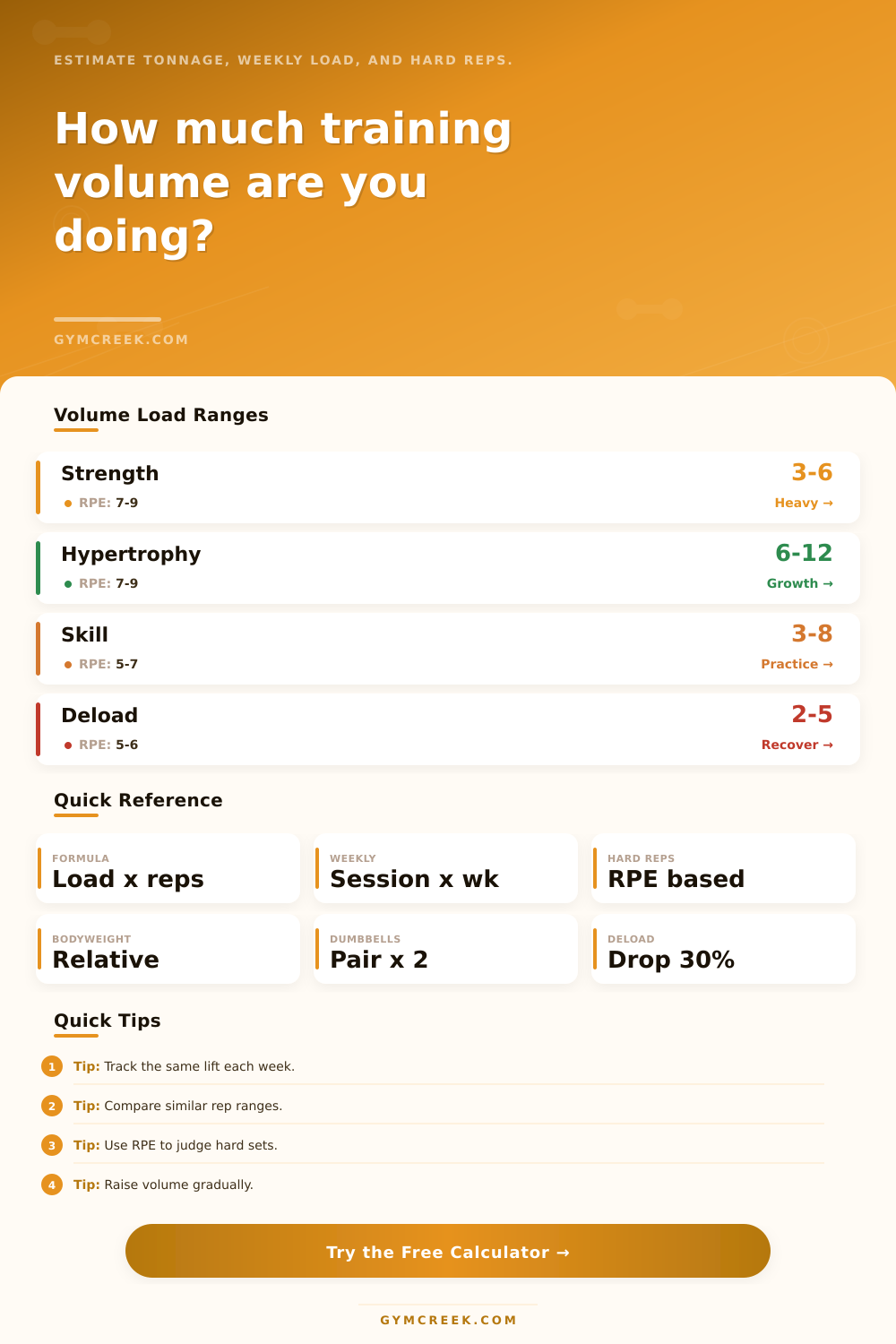
Intentionally reduce your intensity on deload weeks. A common strategy is to simply drop volume by 30 percent to give time for connective tissue to recover. With this tool, you can adjust your frequency and number of sets to simulate that. Your numbers will drop sharply, confirming that you’re not just picking up lighter weight for the same amount of time, you’ve truly reduced your volume. Long term, consistency trumps heroics. If you use this tool to track your volume load, it prevents you from falling into the trap of doing too much too soon. That way you can train at a pace you can maintain for the long term, instead of burning out in a few months. You should of used this more often! It’s actualy very helpful for avoidng mistakes. The moddern athlete needs to watch their furnitures and loads.