Brisk Walking Pace Calculator
Estimate walking pace, speed, cadence, step length, MET intensity, calorie burn, briskness category, and practical target splits from one walk.
📌Walking Presets
Choose a preset to load realistic pace, terrain, grade, cadence, and effort values, then adjust the numbers to match your own walk.
⚙Walk Inputs
Walking pace snapshot
Enter distance, time, cadence, body size, terrain, grade, and effort to check whether the walk lands in a brisk zone.
📊Walking Metrics
📑Reference Tables
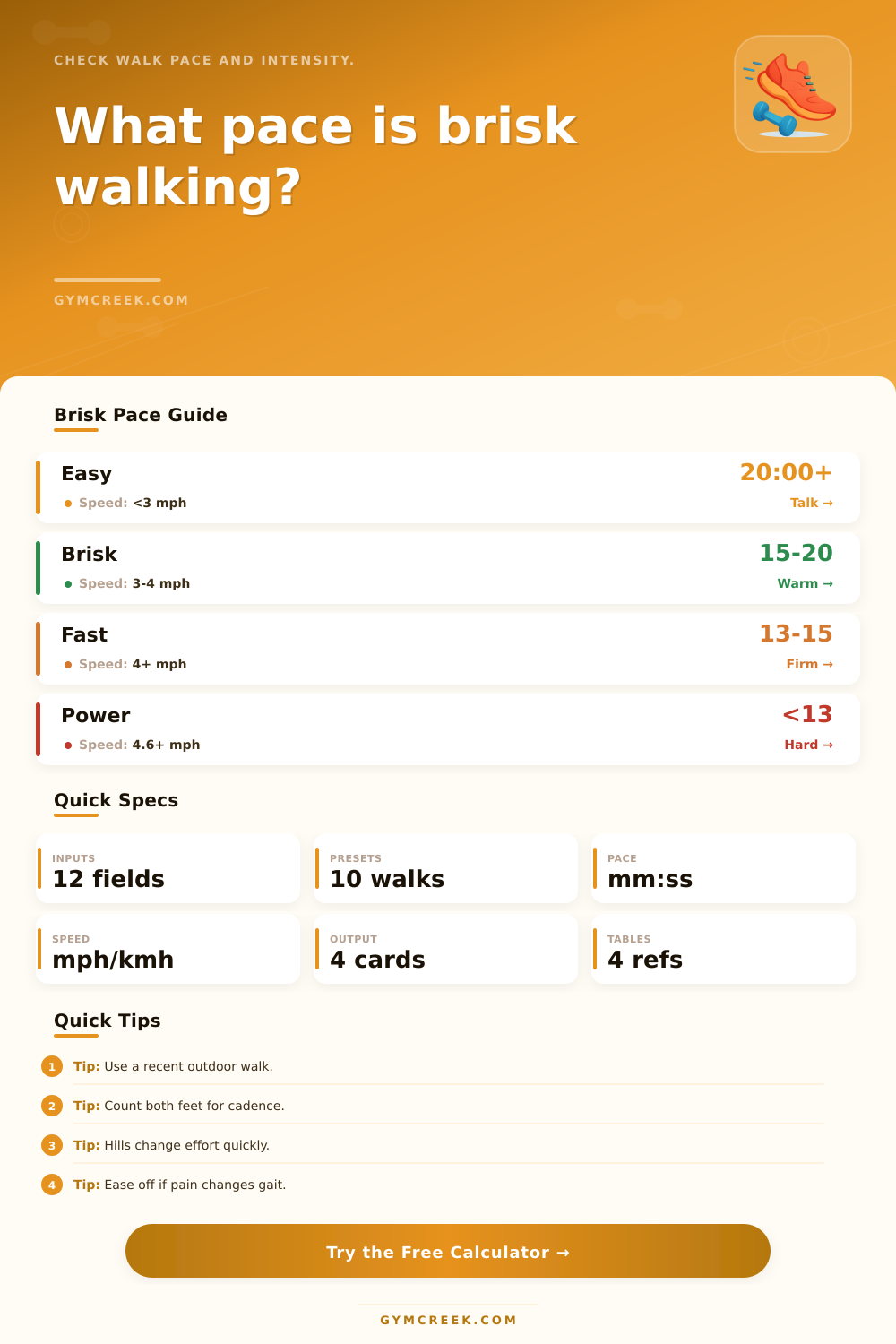
| Band | Pace per mile | Speed | Practical cue |
|---|---|---|---|
| Easy | 20:00 or slower | Under 3.0 mph | Comfortable stroll or warm-up |
| Brisk | 15:00 to 20:00 | 3.0 to 4.0 mph | Purposeful pace, warmer breathing |
| Fast | 13:00 to 15:00 | 4.0 to 4.6 mph | Firm arm swing and quick steps |
| Power | Under 13:00 | Over 4.6 mph | Athletic walk, near race-walk effort |
| Cadence | Walking style | Common step length | Use it for |
|---|---|---|---|
| 90 to 105 spm | Easy | Short to normal | Recovery, errands, warm-up |
| 106 to 120 spm | Brisk | Normal | Most fitness walking |
| 121 to 135 spm | Fast | Normal to long | Tempo walks, commute pace |
| 136+ spm | Power | Quick and compact | Performance walking |
| Route | Effort factor | What changes | Calculator use |
|---|---|---|---|
| Flat road | 1.00 | Baseline pace | Best for comparisons |
| Treadmill | 0.98 to 1.12 | Incline drives effort | Grade matters more than wind |
| Grass or gravel | 1.06 to 1.08 | More contact loss | Raises MET estimate |
| Hills or ramps | 1.12+ | Heart rate rises quickly | Higher caution at high RPE |
| Metric | Formula | Inputs | Why it matters |
|---|---|---|---|
| Pace | Time / distance | Distance, time | Main brisk-walk result |
| Speed | Distance / time | Distance, time | Classifies walk intensity |
| Step length | Speed / cadence | Speed, cadence | Checks stride realism |
| Calories | MET x kg x hours | MET, weight, time | Session energy estimate |
💡Tips
Most of us are somewhere in-between brisk walking, it’s too slow to feel like we’re jogging, but not fast enough to feel like we’re casually strolling along. It’s a strange no-mans land where the dividing line between “jog” and “walk” is difficult to pin down, and vary from person to person. A brisk walk for a fit person with long legs might be easy for someone else. That’s why this measurement are so important: it takes a fuzzy goal and makes it something that’s measurable (and therefore improvable).
Those are the variables that truly change effort. They are captured as inputs on calculator up top. It use height plus cadence to guess at step length. It uses distance plus time for raw pace. It uses terrain plus grade to adjust the math, since a two percent incline doesn’t cost the same energy as a flat sidewalk. It uses body weight if you want calories estimated. Finally, it uses your own perception of exertion to add some reality-checking that pure speed can miss.
Why Use This Calculator
That’s why each one is there; how does it affect where the walk falls on the spectrum from brisk to easy/hard? But pace is deceptive. Someone who take longer strides or is walking on a harder surface may travel the exact same distance in the same amount of time. However, they may have a much higher cardiovascular load different than another person. The calculator factors all of this into the final result. It include cadence, grade, and terrain in the final numbers.
So what are you looking at when you check out the estimated METs and the intensity band? You’re not just seeing a number based off speed. You’re seeing a combined picture, which tell you much more about whether the walk was enough to meet heart-health guidelines or less effort than you planned.
Cadence is easy to adjust. Most adults settle into a rhythm around 110 steps per minute when they’re walking at a naturaly pace on level terrain. If you can increase this cadence by just five or so steps (from 110 to 115 or even 120), you’ll probably notice your walk becomes brisk rather than comfortabley without having to make any drastic adjustments to your speed. This tiny adjustment will have noticeable effects on the number of steps you take (see below) and amount of calories you’ll estimate burning. This will give you some idea if it’s worthwhile for you to add an additional minute or two with slightly faster steps.
Brisk is influenced by age and purpose too. Someone who’s been away from walking for some time might be trying to gradually build up to a lower target (say 65 years old). Meanwhile, someone training for a charity 5K event might have more of an appetite to push their speed (like 35). The purpose field modify the target band to reflect this so it outputs something closer to your own desired goal instead of everyone else’s generic idea of “brisk.” That’s important because running on someone else’s clock will only frustrate you; or worse, cause joint pain that ends your workout before it begins.
There’s also another variable that the numbers don’t completely capture: real world conditions. How much wind there is, what the temperature is, how well-rested you are on any particular day, etc., can all affect how hard something feel. You’ll have a base line from this calculator, which remains constant, but then it’s up to you to determine if today’s walk was appropriately challenging or if the next should of be adjusted accordingly. For that, I check the reference tables, as they will turn the output into practical cues such as your breathing rhythm, ability to speak in full sentences, etc.
Consistency of measurement is probably the best habit. Use the same route or treadmill setting for several sessions, then compare results to see small improvements in pace or cadence. The calculator turns everything into numbers so you can see if your pace or cadence is improving or declining. It’s not hard math; it happens pretty fast with a little consistency over a week or two.