Rowing Time Calculator
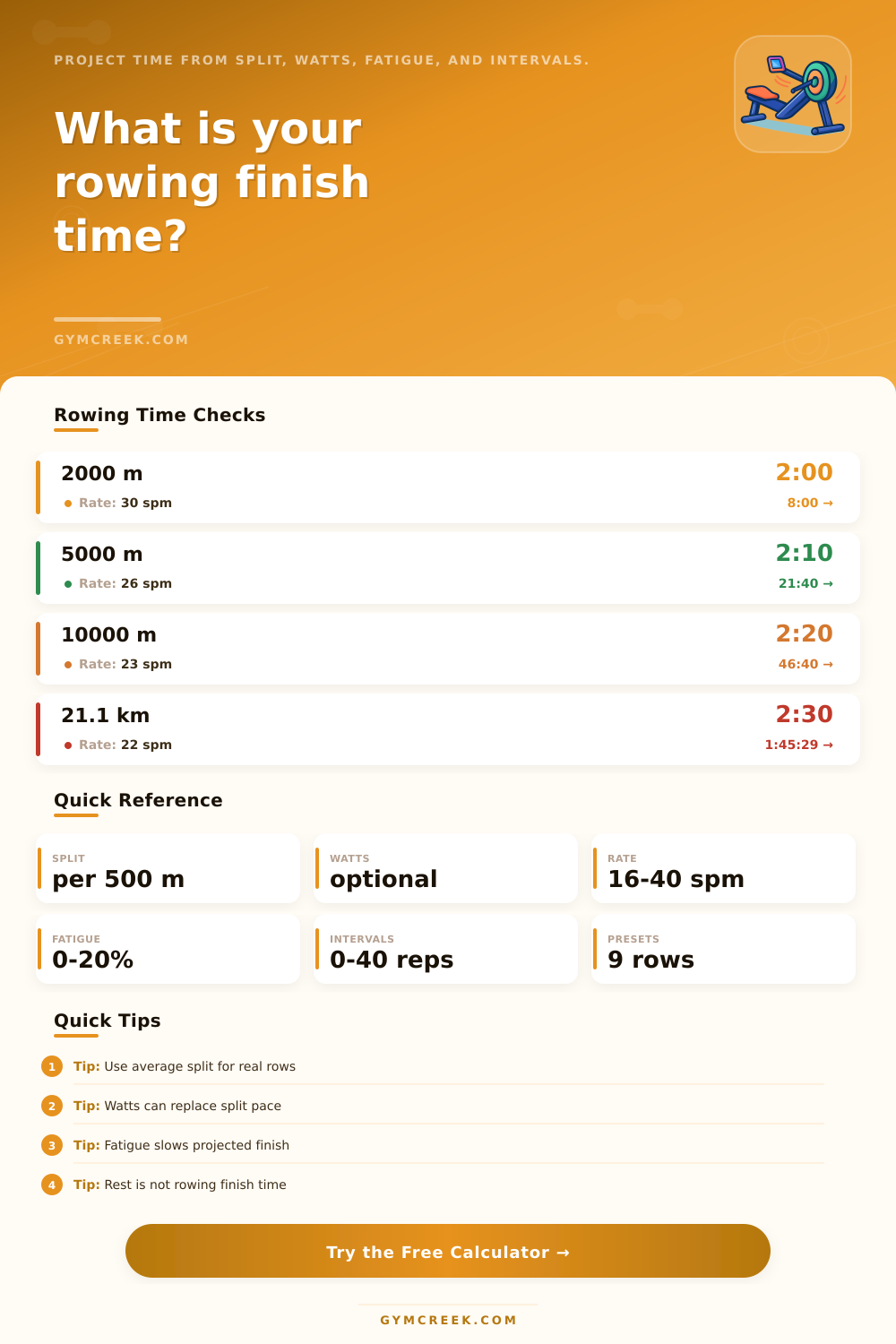
Project a rowing finish time from target distance, split pace, optional watts, stroke rate, fatigue adjustment, interval work, rest time, and current-progress finish projections.
📌Rowing Time Presets
Presets load realistic erg scenarios and recalculate immediately. Rest time is shown separately from rowing finish time.
⚙Calculator Inputs
Rowing finish projection
Enter a target distance and pace source to calculate finish time.
📈Finish-Time Projections
📊Rowing Metrics Grid
📘Reference Tables
| Distance | 2:30 split | 2:10 split | 1:50 split |
|---|---|---|---|
| 2000 m | 10:00 | 8:40 | 7:20 |
| 5000 m | 25:00 | 21:40 | 18:20 |
| 10000 m | 50:00 | 43:20 | 36:40 |
| Half marathon | 1:45:29 | 1:31:25 | 1:17:22 |
| Split | Approx watts | Use | Feel |
|---|---|---|---|
| 2:40 /500m | 86 W | Warmup | Light |
| 2:20 /500m | 128 W | Base | Steady |
| 2:00 /500m | 203 W | Tempo | Strong |
| 1:40 /500m | 350 W | Short test | Hard |
| Pattern | Calculator effect | Use | Watch |
|---|---|---|---|
| Linear drift | Half of % | Long steady rows | Split creep |
| Late fade | One-third of % | Controlled tests | Last quarter |
| Whole piece | Full % | Known fatigue | Realistic target |
| Negative split | Faster close | Finish plan | Do not overrate |
| Formula | Inputs | Output | Purpose |
|---|---|---|---|
| Finish time | Distance, split | Seconds | Main result |
| Watts | Split | Power | Pace source |
| Strokes | Rate, time | Count | Efficiency |
| BMR | Body data | kcal/day | Context |
💡Calculation Tips
A rowing time calculator is a tool that take the values for different rowing variable and displays a projected finish time for those variable. A rowing time calculator will not change the way that a person row, but rather it employ the variables that a person tracks to project the variable of finish time. By using a rowing time calculator, a person can remove the guesswork regarding there split times and finish time for a particular rowing distance by transforming their rowing data into a single, usable number.
The distance field in a rowing time calculator are the first part of the calculator and is used as the distance that the other calculations in the calculator target. A person must enter a distance into this field; it will then calculate the other variable according to the distance entered. For instance, a person may enter either a 2K or 10K distance into this field.
How a Rowing Time Calculator Works
The pace source field is the second part of the rowing time calculator that determine how the calculator begin to calculate the finish time. Many rower will enter the split time that is displayed on their rowing monitor. Other individual may use the watts field instead of split time since watts is a measurable quantity.
The calculator will produce the same finish time regardless of whether split time or watts are used. The stroke rate is another variable that have an impact upon how an individual rows and is, therefore, another variable that those that utilize the calculator should of consider. High stroke rate will often produce fastly splits over short distances.
However, high stroke rates will lead to fatigue over long distances. The calculator will display the total stroke count that a given stroke rate will produce, which is a variable that can be used to assess an individual technique in rowing. Another feature of the calculator is the fatigue adjustment field.
This field is not used to add a fatigue penalty to the split time that is entered into the calculator. Instead, the calculator utilize the fatigue adjustment field to model how a runner’s split time may change over the length of a long row. Different fatigue model are built into the calculator.
For instance, linear drift is a model that display how split times may even out over the length of the row; late fade is a model that allow an individual to hold a steady pace for a longer period of time before their split time begin to fade in the last quarter of a long row. Finally, negative split modeling is a feature that allow for modeling of splits in which the second half of a row is completed at a faster rate then the first half of the row. Each of these fatigue models will change the finish time that the calculator projects, but each of these fatigue adjustment will not impact the split time that is entered into the calculator.
The interval work field is another feature of the calculator that involve both the work and rest times for a particular rowing interval. The calculator separate the rest time for a given interval from the rowing distance that the individual is to be traveled because of the possibility that the individual may incorporate rest time into the rowing distance (which would be an error). The interval work field will calculate the work time that the individual will perform, and will display the length of each workout if the individual would like to view the total length of time that will be required to complete the interval workout.
Reference table are provided on the calculators webpage to help to provide context to the number that is displayed by the calculator. One table display common distance within the rowing world and the splits that is expected for each distance. Another table link the splits to the amount of watts that are typically produced by individuals rowing at those speeds.
Finally, a fatigue guide describe the function of each of the fatigue model built into the calculator. These reference tables are not the calculator itself, but they help make the split times that the calculator calculates more readily understood by the individual. It is important to understand that a rowing time calculator does not include each of the variable that may impact an individual’s rowing performance.
Variable such as sleep, training load, and the temperature of the area in which an individual rows can all impact the distance that an individual can row without fatigue. Although the calculator may project split times with the assumption that these other variable remain consistent, split times may differ between the split times displayed on the monitor that the individual use to row and those calculated by the calculator. The value of a rowing time calculator is realized by utilizing the same input of variables into the calculator for various rowing session.
For instance, the calculator can be used to determine the number of split that would be produced at a decrease of two stroke to the current stroke rate, or how the fatigue adjustment would impact the finish time of a row. The calculator only provide an estimate to the split times of an individual, and adjustments to variable can be made according to the split time that is rowed by an individual.